Your brand, your forms
Customize every detail to match your brand identity. Colors, fonts, logos, backgrounds. Make forms that look like you, not us.
Why branding matters for forms
Generic forms erode trust. When someone clicks a link and lands on a form that looks nothing like your website, they hesitate. Custom branding creates seamless experiences where forms feel like a natural extension of your brand, building confidence and boosting completions.
Build instant trust
When forms match your brand, users feel secure. Your logo, your colors, your style. They know they are in the right place and that their information is going to you, not some third party.
Create seamless experiences
Users flow from your website or emails directly into forms that feel connected. No jarring transitions, no confusion. The entire journey feels cohesive and professionally designed.
Stand out from competitors
While competitors send generic forms, yours look polished and intentional. Every touchpoint reinforces your brand identity and signals that you care about details.
Control every detail
From broad strokes to fine details, Formsuite gives you complete control over how your forms look and feel. No design degree required.
Brand colors throughout
Set primary and accent colors that flow through buttons, progress bars, highlights, and interactive elements. Your brand palette becomes the form palette, creating visual consistency across every element.

Typography that fits
Choose from hundreds of fonts. Set heading and body typography that matches your brand guidelines. Typography affects readability and personality. Get it right.
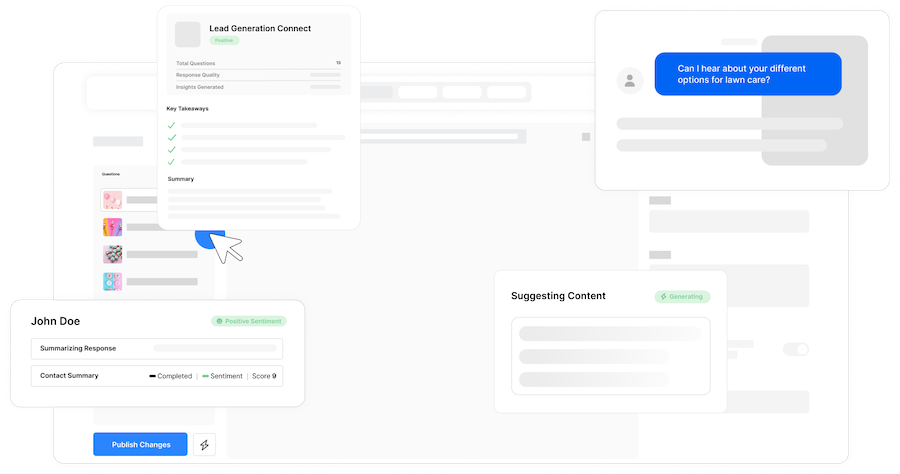
Logo and imagery
Add your logo to forms for instant recognition. Set custom backgrounds, images, videos, and icons that reinforce your brand. Every visual element contributes to a cohesive brand experience.
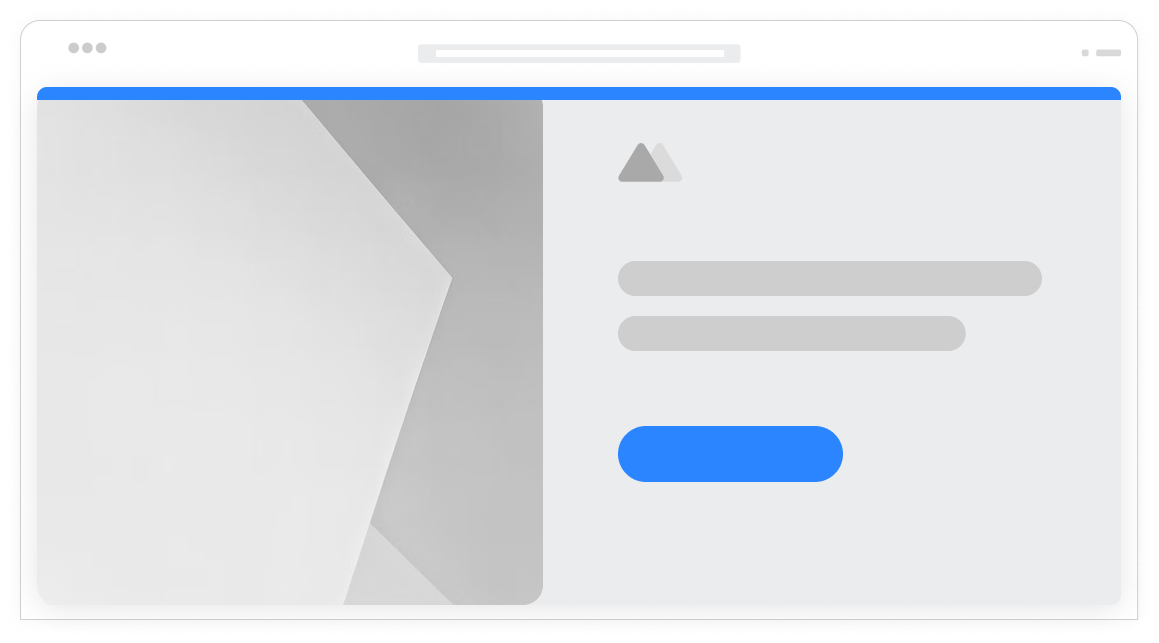
Remove our branding
On Pro plans and above, remove all Formsuite branding from your forms. No 'Powered by' badges, no external links. Your forms look like they were built custom for your business.
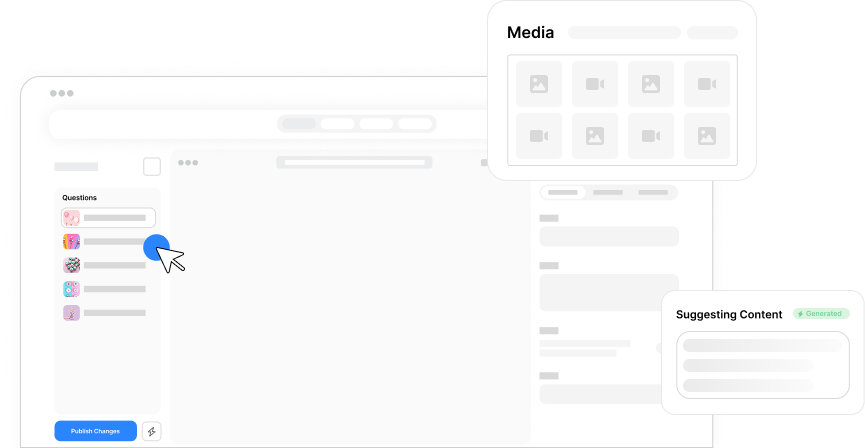
Full color control
Set primary colors, accent colors, background colors, text colors, and more. Use exact hex codes or color pickers to match brand guidelines precisely. Preview changes in real-time as you customize.
Custom typography
Choose from our large library of different popular fonts to better match your brand. Control sizes, weights, and spacing.
Custom backgrounds
Set solid colors, gradients, patterns, or custom images and videos as form backgrounds. Control overlay opacity and blur effects. Create visually striking forms that stand out.
Button styling
Customize button colors, borders, shapes, and size. Match the button style from your website for seamless visual integration. Control submit button text and design.
Frequently Asked Questions
Everything you need to know about customizing your forms to match your brand. Need design help? Our team is here.
Still need help? Contact Us
Nearly everything visual: primary and accent colors, background colors and images, fonts for headings and body text, your logo, button styles and colors, progress bar appearance, input field styling, border radius, spacing and layout, and more. You have full control to make forms match your brand exactly.
Yes, on Pro plans and above, you can remove all Formsuite branding. This eliminates the 'Powered by Formsuite' badge and any other platform mentions, making your forms appear completely custom-built for your business. This white-label option is perfect for agencies and businesses that need fully branded experiences.
Yes, custom branding applies to all form types including conversational forms and embedded widgets. The styling flows through consistently regardless of how users interact with your form or where it appears.
Absolutely. Embedded forms and popup widgets inherit your brand styling. When a form appears on your website as an embed or popup, it uses your custom colors, fonts, and branding to blend seamlessly with the rest of your site. No jarring design transitions.
Yes, the form editor shows branding changes in real-time. As you adjust colors, fonts, and other settings, the preview updates instantly. You can also view full-screen previews on different device sizes to ensure your branding looks great on desktop, tablet, and mobile before going live.
Templates to get you started
Start from a ready-made template and customize it to fit your needs.
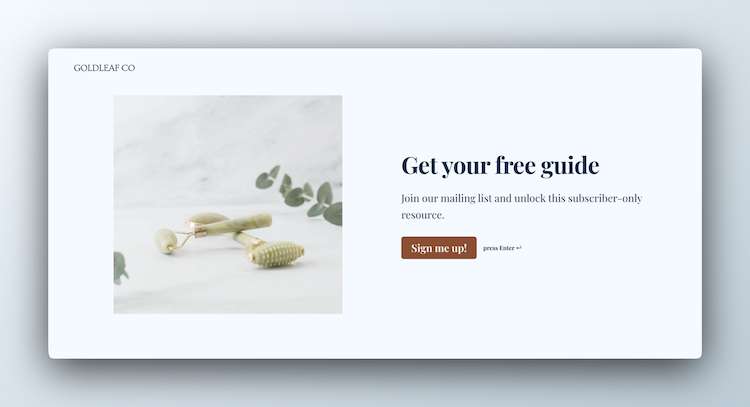
Lead Capture Form
Engage visitors and turn them into qualified leads with a simple, high-converting form.
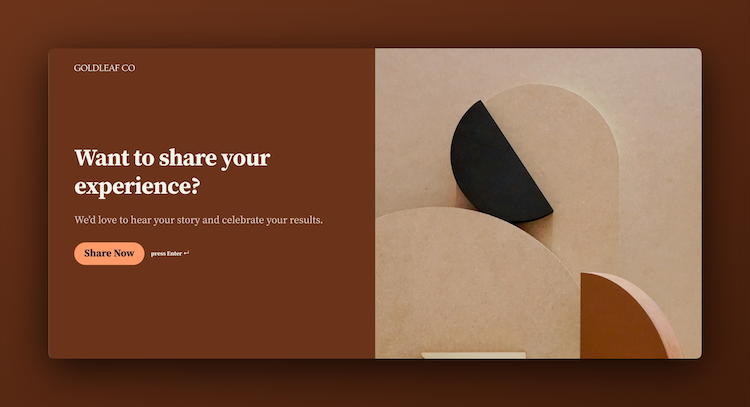
Testimonial Form
Collect impactful, authentic testimonials from your customers to showcase real results and build trust.
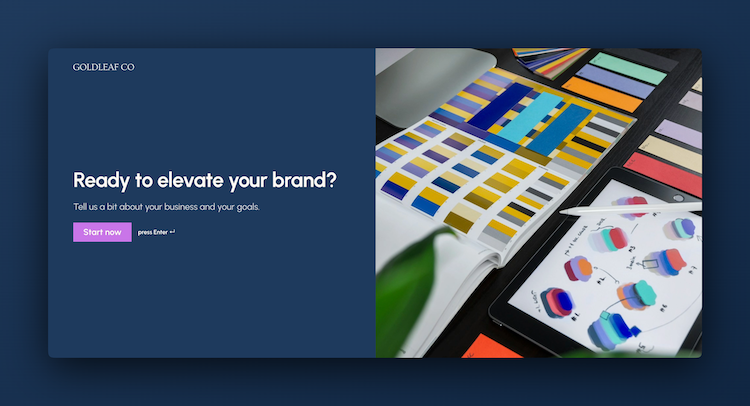
Branding Questionnaire
Gather the insights you need to shape a strong brand identity and position yourself confidently in the market.
Complete your brand experience
Custom branding works beautifully with other Formsuite features. Create a fully branded form experience.