Every ending is an opportunity
Thank you pages are prime real estate. Show quiz results, redirect to offers, display next steps, or personalize messages based on responses.
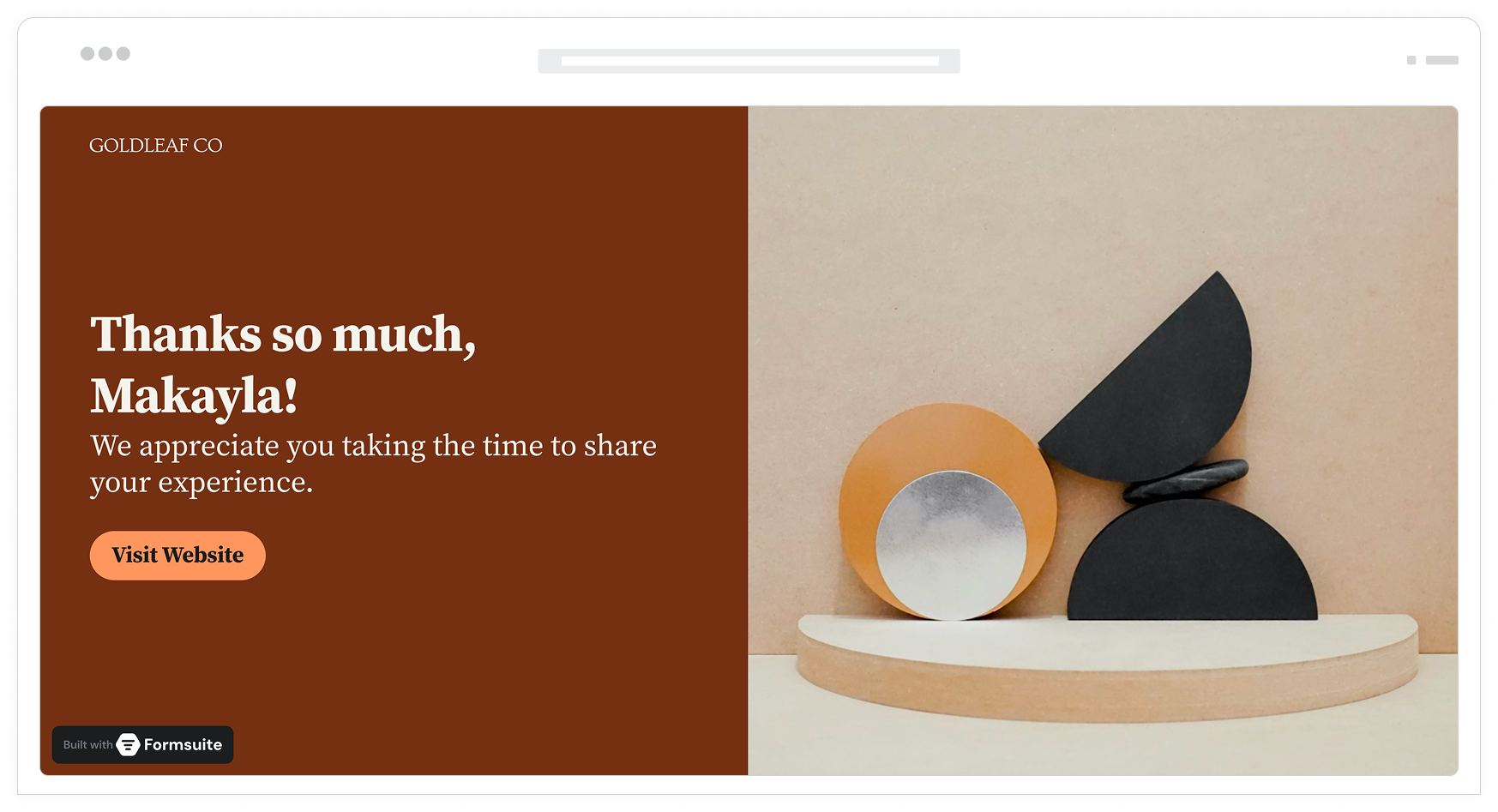
Why thank you pages matter
The moment after submission is when engagement peaks. Users just invested time completing your form. A generic 'Thanks for submitting' wastes this opportunity. Custom thank you pages capitalize on this attention to drive next actions, deliver value, and deepen relationships.
Continue the conversation
Guide users to the next step while they are engaged. Schedule a call, download a resource, follow on social, or explore related content. Thank you pages bridge forms to further engagement.
Deliver immediate value
Show quiz results, calculated scores, or personalized recommendations. When users get value immediately, they associate positive feelings with your brand and are more likely to return.
Route based on responses
Send different users to different outcomes. High-value leads see scheduling pages. Survey completers with issues get support resources. Personalized endings match user needs.
Multiple ways to end well
From simple messages to complex conditional redirects, Formsuite gives you complete control over what happens after submission.
Custom message pages
Design rich thank you pages with your branding, images, and formatted text. Include next steps, contact information, or any content. Pages match your form styling for a cohesive experience.
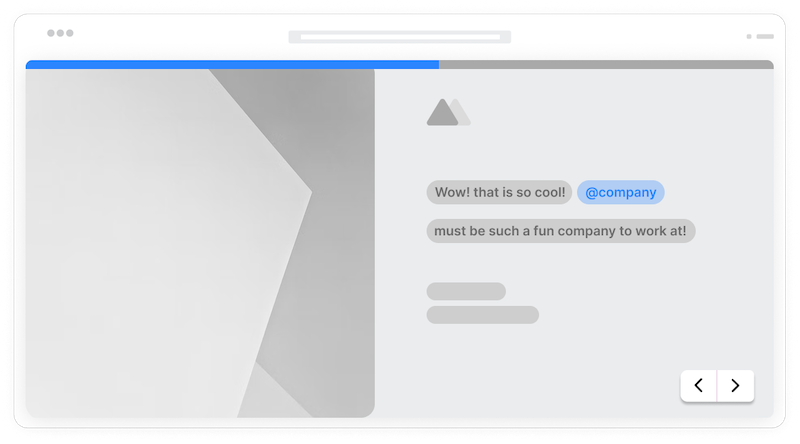
Dynamic results display
Show calculated scores, quiz results, or personalized recommendations on the thank you page. Reference any form answer using piping. Create result-based experiences that feel tailored.
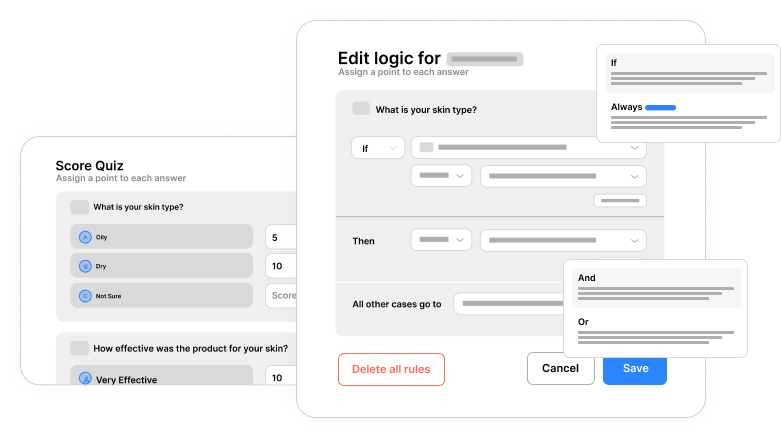
Conditional endings
Show different thank you pages or redirects based on form responses. High scorers see one message, low scorers see another. Segment users into different post-submission experiences.
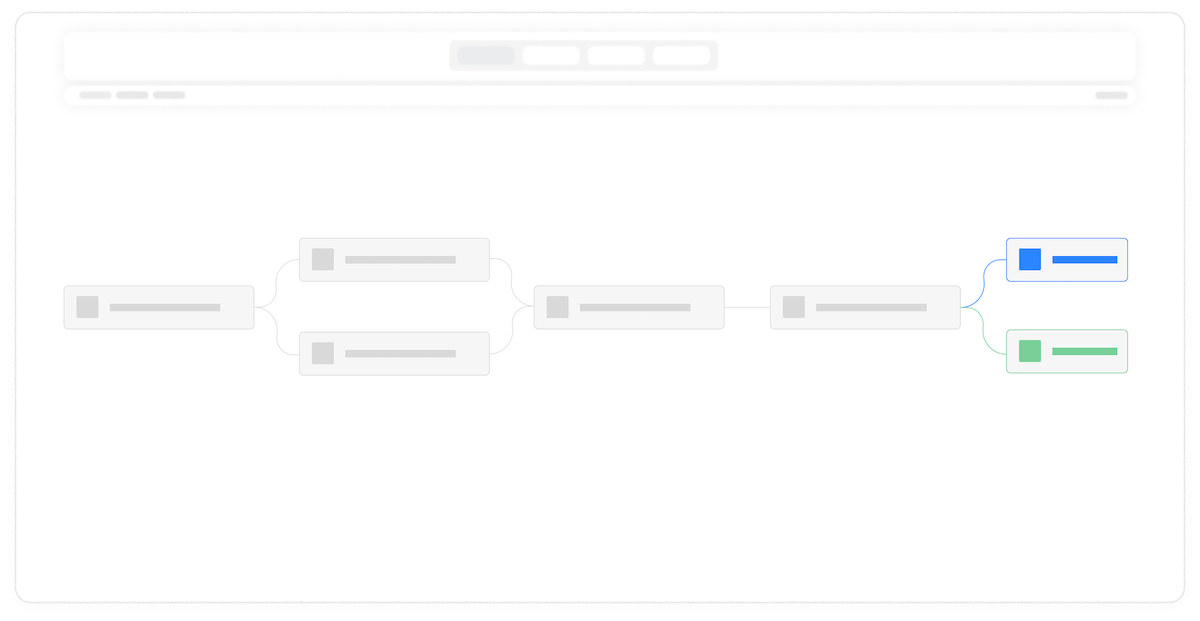
Answer piping
Include form answers in thank you page content. 'Thanks, {{name}}! Based on your interest in {{product}}, here is what we recommend...' creates personal, relevant endings.
Call-to-action buttons
Add buttons linking to next steps: schedule a call, download a resource, visit your website, share on social. Clear CTAs turn completions into conversions.
Images and video
Include images and videos on thank you pages. Show product images, play welcome videos, or display team photos. Rich media creates memorable endings.
URL parameter passing
Pass form data to redirect URLs via parameters. Send lead scores to CRMs, pass answers to booking pages, or transfer context to landing pages. Data flows through seamlessly.
Frequently Asked Questions
Everything you need to know about creating effective thank you pages. Need help with setup? We are here.
Still need help? Contact Us
You can show a custom message page designed in Formsuite, redirect to any external URL, display a page with dynamic results based on form answers, or use conditional logic to show different endings to different users. Each option can be customized extensively.
Yes, use conditional logic to route users to different endings. Based on any form answer, score, or calculation, you can show different thank you messages or redirect to different URLs. This enables personalized post-submission experiences for different user segments.
Add calculation fields to your quiz for scoring, then reference those scores on the thank you page using answer piping. Display messages like 'You scored {{score}} out of 100!' Use conditional logic to show different result messages based on score ranges.
Add your own tracking code in the form settings. Code runs when the thank you page loads, firing conversion events to Google Analytics and Facebook Pixel. This lets you track form completions as conversions.
Yes, use answer piping to include any form response in your thank you page content. Reference fields using the {{field_name}} syntax. Create personalized messages like 'Thanks for your interest in {{product}}, {{name}}! We will contact you at {{email}} shortly.'
Yes, thank you pages work with all form display types. For embedded forms, you can show the thank you page within the embed frame, redirect the parent page to a new URL, or close the embed and show a message. You control the post-submission behavior.
Absolutely. Add call-to-action buttons linking to any URL: schedule pages, download links, social profiles, or your website. Style buttons to match your branding. Include multiple buttons for different next step options.
Templates to get you started
Start from a ready-made template and customize it to fit your needs.

Product Recommendation Quiz
Give shoppers a tailored experience with this product recommendation quiz designed to guide them to the perfect choice.
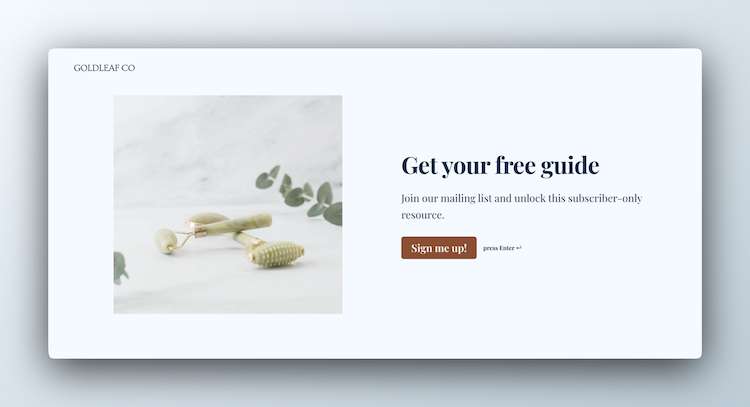
Lead Capture Form
Engage visitors and turn them into qualified leads with a simple, high-converting form.
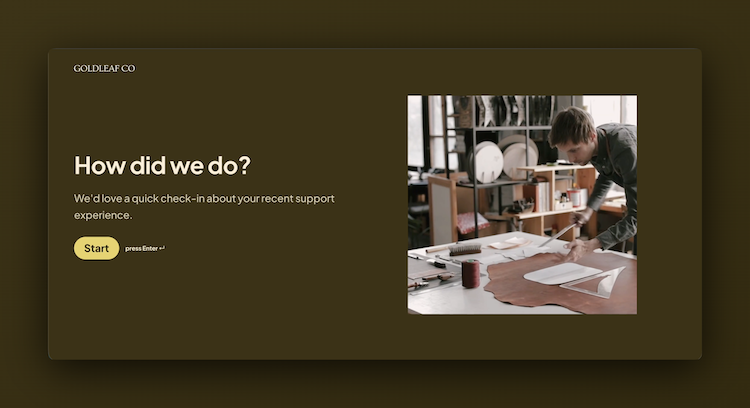
Customer Effort Score (CES) Survey
Measure how easy it is for customers to interact with your product, and use those insights to reduce churn and strengthen loyalty.
Create complete form journeys
Thank you pages are the final piece of great form experiences. Combine with other features for maximum impact.