Embed forms anywhere
Add forms to any website with one line of code. Inline embeds, popups, banners, or hosted pages. Your forms, your site.
Why embedding matters
Forms that live on your website convert better than forms that take users elsewhere. Embedding keeps users in your environment, maintains trust, and creates seamless experiences. With multiple embed options, you can capture leads exactly where and when users are most engaged.
Keep users on your site
Every redirect is a chance to lose someone. Embedded forms let users complete submissions without leaving your page. They stay in your environment, surrounded by your content and branding.
Available on every page
Popup and banner embeds let you add forms to any or all pages of your site. Capture attention without taking over the page or disrupting your content. Forms are always accessible when users are ready.
Works everywhere
Embed on WordPress, Webflow, Squarespace, Shopify, custom HTML, React, or any platform that accepts code. If your site can run JavaScript, it can run Formsuite forms.
Four ways to embed
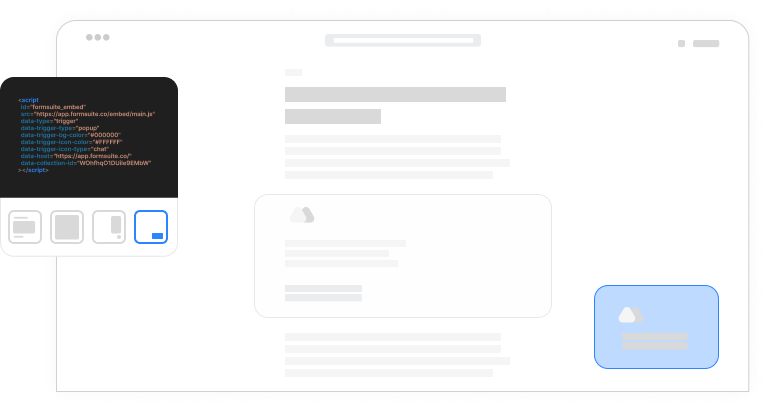
Different contexts call for different approaches. Choose the embed type that fits your use case and user experience goals.
Inline embed
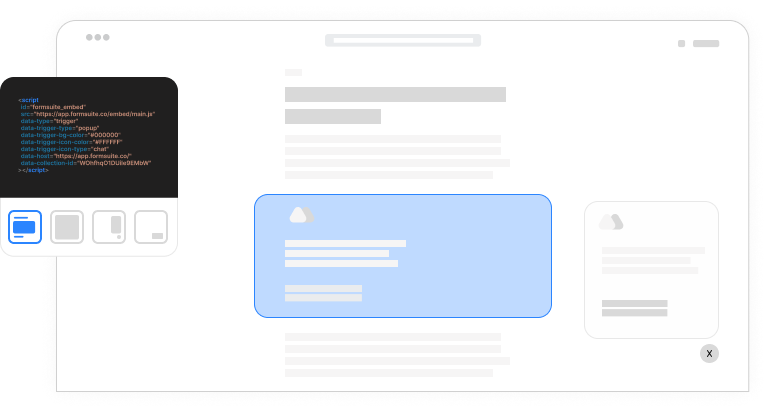
Embed forms directly into your webpage content. Customize height, width, and choose between pixel or percentage-based sizing. Forms blend seamlessly into your page layout and scroll with content.
Full page embed
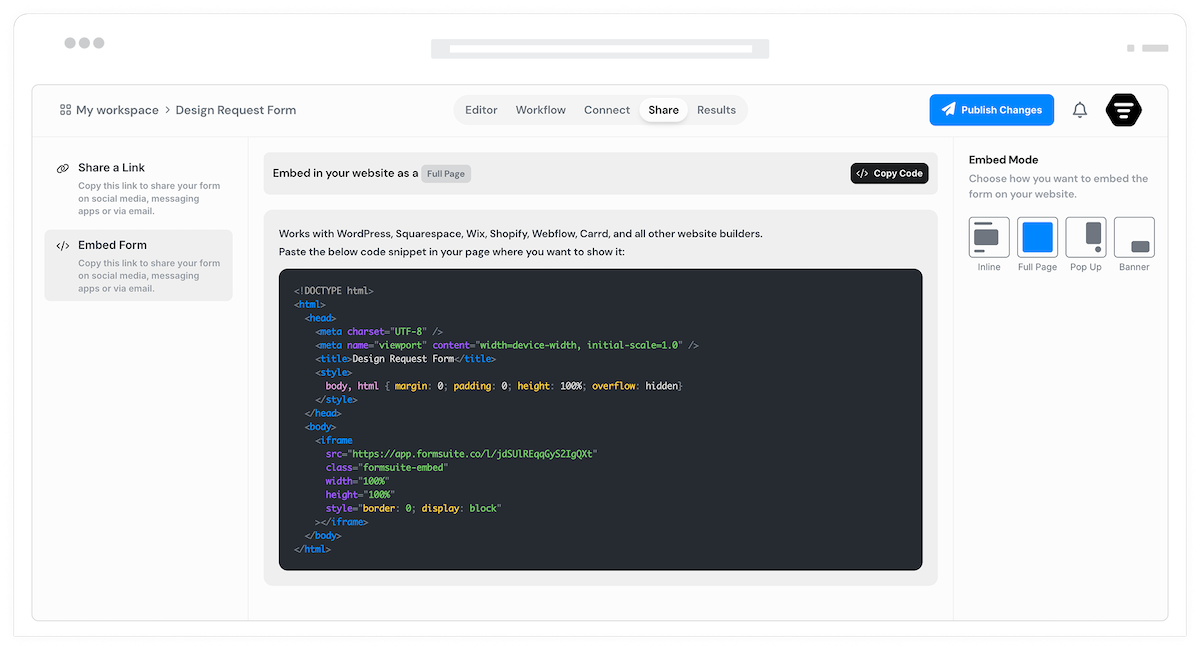
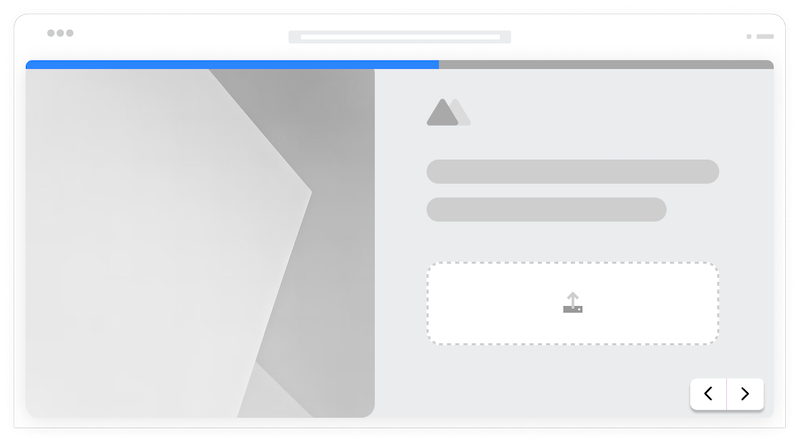
Host a full page form on your own domain with an HTML snippet. Skip the Formsuite shareable link and serve forms directly from your website. Complete control over the hosting experience.
Popup widget
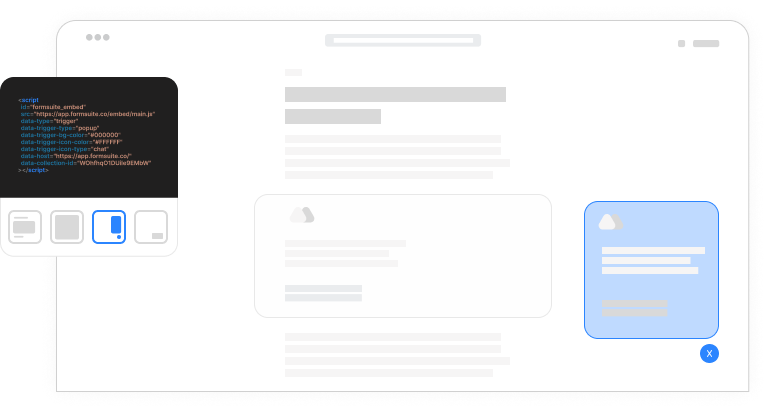
Add a floating button to the corner of your webpage. When visitors click, the form opens in a popup widget overlay. Always accessible without taking up page space until needed.
Banner widget
Display a branded image and title widget that floats on your page. When clicked, it smoothly transitions into your form. Eye-catching and on-brand, perfect for promotions and lead capture.
Responsive sizing
Embedded forms automatically adapt to their container. Set fixed dimensions or let forms fill available space. Mobile-responsive by default, looking great on every screen size.
Seamless styling
Embedded forms inherit your custom branding. Match your website's look and feel. Adjust borders, shadows, and backgrounds to make forms feel native to your site.
URL parameter passing
Pass data from your page into embedded forms. Transfer UTM parameters, user IDs, or page context automatically. Enrich submissions with data from your website.
Lightweight loading
The embed script is tiny and loads asynchronously. Forms appear quickly without slowing down your page. Lazy loading options defer form loading until needed.
Frequently Asked Questions
Everything you need to know about embedding forms on your website. Need integration help? We are here.
Still need help? Contact Us
Copy the embed code from your form's share settings and paste it into your website's HTML. For inline embeds, paste where you want the form to appear. For popups and widgets, paste before the closing body tag. The code is a simple script tag that works on any website platform.
Formsuite forms embed on virtually any platform that accepts custom HTML or JavaScript. This includes WordPress, Webflow, Squarespace, Wix, Shopify, Ghost, Carrd, Notion, and custom-built sites. If you can paste a script tag, you can embed a form.
Inline embeds place forms directly in your page content, scrolling with the page. Popup and banner modals open in the corner of the website when a user clicks the widget. Full page can be hosted on your own domain.
Yes, all analytics features work with embedded forms. Track views, starts, completions, and drop-offs regardless of where the form is embedded. See which pages drive the most submissions. UTM and referrer tracking captures the context of each submission.
Yes, use URL parameters or the JavaScript API to pass data into embedded forms. Transfer UTM parameters, logged-in user information, product IDs, or any context from your page. Data can prefill visible fields or populate hidden fields for tracking.
No, the embed script is lightweight (under 20KB) and loads asynchronously, meaning it does not block your page from rendering. Forms load in parallel with your content. Lazy loading options let you defer form loading until users interact, further optimizing page performance.
Embedded forms use your custom branding settings including colors, fonts, images, videos, and logos. The goal is making forms feel like a natural part of your website.
Templates to get you started
Start from a ready-made template and customize it to fit your needs.

Lead Capture Form
Engage visitors and turn them into qualified leads with a simple, high-converting form.

Testimonial Form
Collect impactful, authentic testimonials from your customers to showcase real results and build trust.

Event Signup Form
Increase attendance and easily collect the key details you need from every guest.
Maximize your embedded forms
Embedding works with other Formsuite features to create powerful on-site experiences.