Build & edit forms by chatting with AI
Just tell the AI what you want, add questions, change colors, upload media, set logic; all through natural conversation. No menus, no learning curve.
Why the AI chat assistant changes everything
Traditional form builders force you into menus, dropdowns, and config panels. With Formsuite's AI Chat Assistant, you simply describe what you want in plain text, and it happens instantly. It's like pair-programming your form with a teammate who never gets tired.
Chat to build
Open the AI Chat Assistant from any form and start talking. Say "Add a rating question asking how satisfied they are" or "Make the background dark blue with white text". The AI understands your intent, executes the changes, and shows you a live preview.
Chat to edit
Already have a form? Just tell the AI what to change. Move questions around, swap images, update button text, adjust colors, or set up conditional logic; all through conversation. Review proposed changes before applying them.
Chat for support
Not sure how something works? Ask the AI. It knows every Formsuite feature inside out and can walk you through how to use conditional logic, embed forms, set up notifications, and more. It even links to relevant help articles and video tutorials.
From chat message to form changes in seconds
The AI Chat Assistant lives inside every form. Open it, type what you need, review the proposed changes, and apply them — all without leaving the editor.
Open the chat & describe your changes
Click the AI Assistant sparkle icon below the form preview or in the editor toolbar. Type your request in natural language: 'Add an email question after the welcome screen', 'Use a warm brown color theme', or 'Add images to all my questions'. The AI understands context and gets to work.
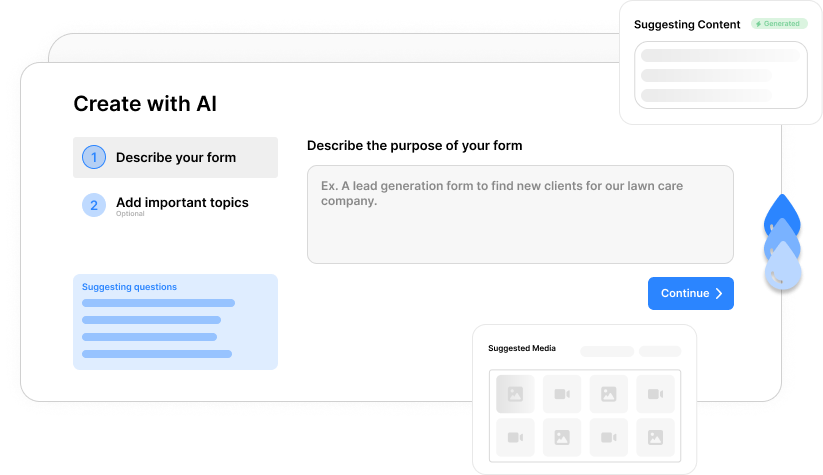
Review proposed changes
The AI shows you a detailed checklist of every change it wants to make. Each item displays a before-and-after diff so you know exactly what will change. Preview the form in real time to see how it looks before committing to anything.
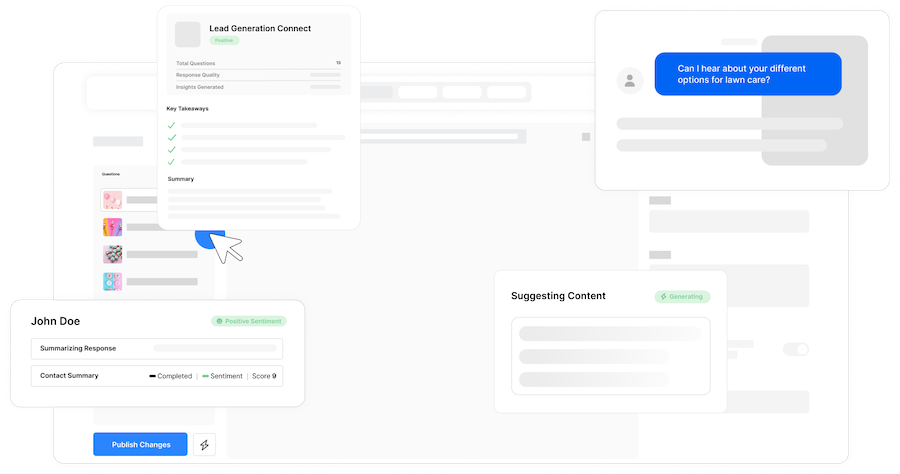
Apply or discard
Happy with the changes? Hit 'Apply Changes' and they are saved to your form draft instantly. Not quite right? Discard and refine your request. The conversation history is preserved so you can iterate as many times as you need.
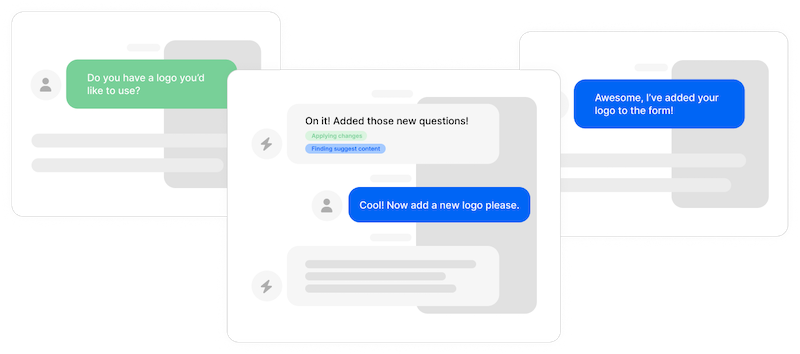
Get help anytime
Switch to support mode and ask the AI anything about Formsuite. It will reference help articles, suggest video tutorials, and guide you step by step. If a support question turns into a build request, the AI can seamlessly switch to editing mode.
Build forms like you're texting a friend
No need to learn a form builder UI. Just describe what you want: 'Add a multiple choice question about their budget range' or 'Change the font to something modern'. The AI interprets your intent and handles the rest.
Update multiple questions at once
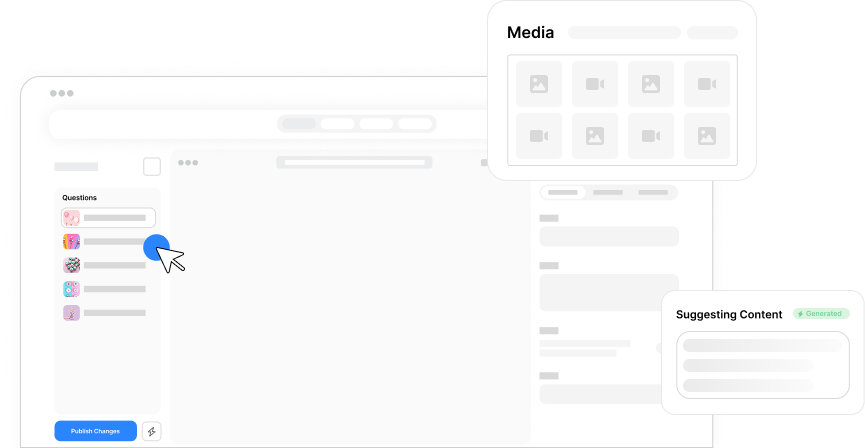
Ask the AI to add images to all your questions, update the style across your entire form, or reorder multiple steps. It handles bulk operations that would take minutes manually in just seconds.
See changes before you commit
Every proposed change comes with a live form preview. Navigate through your form in real time, test interactions, and see exactly how it will look to respondents before applying a single change.
Built-in help that actually helps
The AI knows every Formsuite feature and can explain how to use conditional logic, set up integrations, customize branding, and more. It links to relevant help articles and video tutorials so you can learn while you build.
Frequently Asked Questions
Everything you need to know about Formsuite's AI Chat Assistant. Can't find the answer you're looking for? Reach out to our support team.
Still need help? Contact Us
The AI Chat Assistant can add, remove, and reorder questions, change form design (colors, fonts, button styles), upload and position images or videos, set up conditional logic, update question text, and more. It can also answer questions about Formsuite features and link to help articles and video tutorials.
The AI Form Generator creates a complete form from a prompt in one go. The AI Chat Assistant is an ongoing conversation where you can iteratively build, edit, and refine your form step by step. Think of the generator as 'create from scratch' and the chat assistant as 'edit and improve'.
Yes. Every change the AI proposes is shown as a detailed diff before you apply it. You can review each change, then choose to apply all changes or discard them entirely. Your conversation history is preserved so you can always refine your request.
Yes, the AI Chat Assistant is available on all plans. Free plan users get 10 build/edit messages and 10 support messages per form. Paid plans include unlimited AI chat usage.
Absolutely. The AI Chat Assistant doubles as an in-app support tool. Ask it anything about Formsuite features — from setting up conditional logic to embedding forms on your website — and it will walk you through the steps, link to relevant help articles, and suggest video tutorials when available.
Yes. Each form has its own AI conversation history that persists between sessions. When you reopen the AI Chat Assistant, it picks up right where you left off with full context of your previous requests and changes.
Templates to get you started
Start from a ready-made template and customize it to fit your needs.
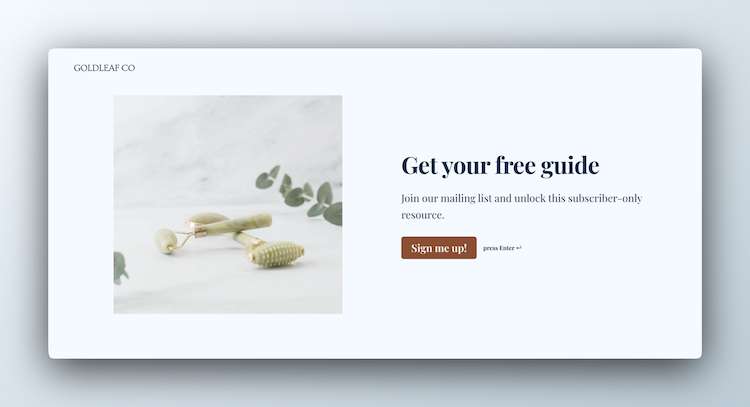
Lead Capture Form
Engage visitors and turn them into qualified leads with a simple, high-converting form.

Lead Qualification Form
Capture new leads and quickly determine whether they're the right fit for your product or service.

Customer Effort Score (CES) Survey
Measure how easy it is for customers to interact with your product, and use those insights to reduce churn and strengthen loyalty.
Build smarter forms with Formsuite
The AI Chat Assistant works hand-in-hand with all of Formsuite's powerful features.