Long forms, manageable steps
Break overwhelming forms into focused steps with progress indicators. Users complete more, abandon less, and provide better data.
Why multi-step forms win
A 20-field form looks intimidating. The same 20 fields split across 4 steps feels manageable. Multi-step forms leverage psychology to reduce perceived effort, maintain momentum, and guide users to completion. The result: higher completion rates and better quality responses.
Reduce perceived effort
When users see a short step instead of a long form, they commit. Each completed step builds momentum and investment. By the time they reach the end, they are far more likely to finish than if they had seen everything upfront.
Organize complex information
Group related questions into logical sections. Personal details on step one, preferences on step two, payment on step three. This structure helps users understand what you need and why, leading to more thoughtful responses.
Save progress automatically
Life interrupts. With partial submission saving, users can close the browser and return later without losing their work. This safety net encourages users to start forms they might otherwise skip, knowing they can finish when convenient.
Guided journeys that convert
Every element of multi-step forms is designed to keep users moving forward. From the first click to the final submission, the experience is smooth, clear, and satisfying.
Visual progress tracking
Show users exactly where they are with elegant progress bars and pagination. Transparency builds trust and motivation. Users can see the finish line and push through to complete the form.

Logical step navigation
Let users move forward and backward between steps freely. Review previous answers, correct mistakes, and navigatefith confidence. Clear next and back buttons with keyboard shortcuts make navigation effortless.
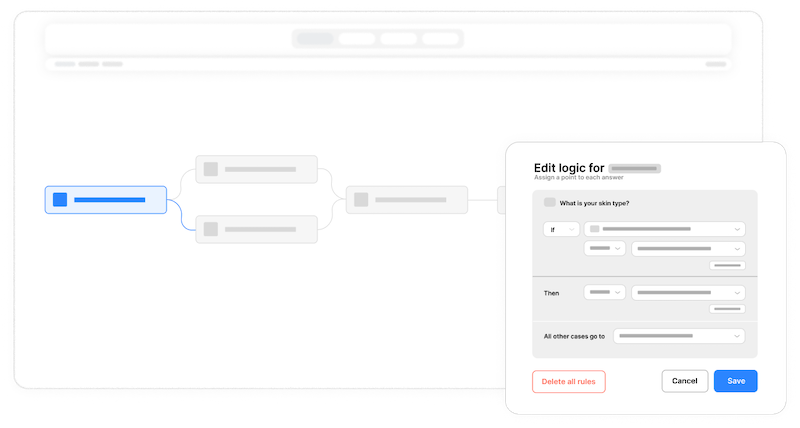
Step-level validation
Validate each step before users advance. Catch errors immediately rather than at the end, when users have mentally moved on. This approach reduces frustration and ensures complete, accurate data at every stage.
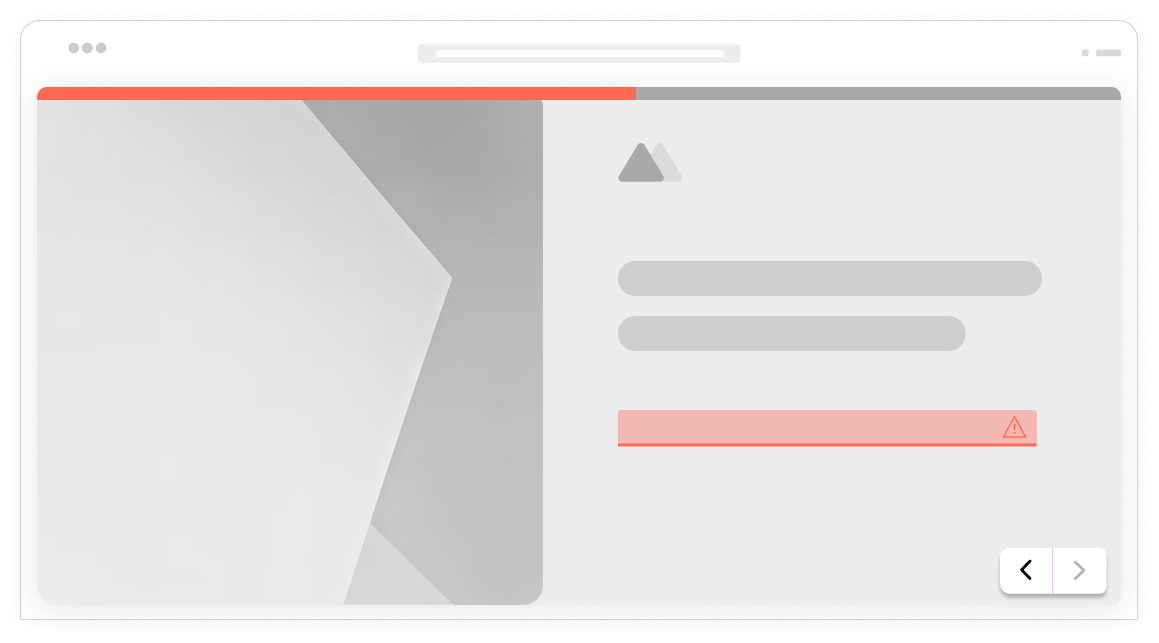
Dynamic step routing
Combine multi-step forms with conditional logic to create personalized journeys. Skip irrelevant steps entirely, add extra steps for specific user types, and adapt the path based on previous answers.
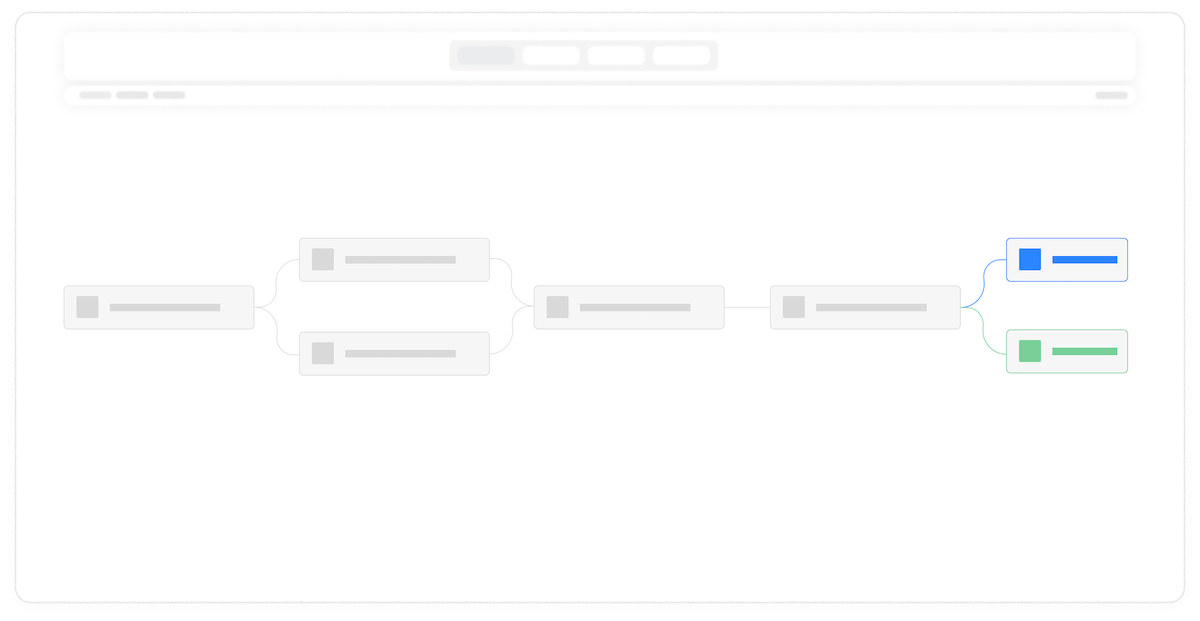
Partial submission capture
Automatically save user progress at each step. If someone abandons the form, you still have their partial data for follow-up. Users who return can pick up exactly where they left off without re-entering information.
Flexible step organization
Put one question per step for a conversational feel, or group multiple related questions together. Mix approaches within the same form. The step structure adapts to your content, not the other way around.
Smooth step transitions
Animated transitions between steps create a polished, professional experience. Choose from slide horizontal or vertical, fast or slow, and more. The subtle motion signals progress and keeps users oriented within the form.
Auto-advance options
For single-question steps, automatically advance when users make a selection. No extra click required. This creates a fluid, efficient experience that respects user time while maintaining the multi-step structure.
Frequently Asked Questions
Everything you need to know about building multi-step forms that users love to complete. Questions? Our team is here to help.
Still need help? Contact Us
Multi-step forms divide a long form into multiple pages or sections, showing users one step at a time. Use them when your form has more than 5 to 7 fields, when questions fall into natural groups, when you want to reduce abandonment on complex forms, or when collecting information that benefits from a guided flow. Common use cases include registration forms, checkout processes, applications, surveys, and onboarding flows.
Yes, multi-step forms consistently outperform long single-page forms in completion rates. Studies show improvements of 20% to 50% depending on the form complexity. The psychology is straightforward: users commit to completing a short first step, then continue due to momentum and invested effort. The key is making each step feel achievable while showing clear progress toward completion.
The ideal number depends on your total fields and how they group naturally. As a general guideline, 3 to 5 steps work well for most forms. Fewer than 3 steps may not provide enough benefit over a single page. More than 7 steps can feel tedious. Aim for 2 to 5 questions per step, grouping related fields together. Test different configurations to find what works best for your specific audience.
Yes, Formsuite multi-step forms include back navigation by default. Users can freely move between completed steps to review or edit their answers. You can also allow users to jump directly to any step via the progress indicator if that suits your form better. This flexibility helps users feel in control and reduces anxiety about making mistakes.
Formsuite will save partial submissions at each step, so even incomplete forms capture the data entered so far. This is valuable for following up with users who abandoned and for understanding where drop-offs occur. AI analysis of the abandoned entries will be highlighted and understood during the summarization and analysis process.
Absolutely. Multi-step forms and conditional logic work beautifully together. You can skip entire steps based on previous answers, show different steps to different user types, or add extra steps when more detail is needed. For example, a lead form might skip the budget qualification step for enterprise users who already indicated large company size.
Formsuite adds progress indicators automatically when you create a multi-step form. You can customize colors to match your brand and choose whether to show step names or just visual progress.
Yes, step-level validation ensures all required fields are completed before users can advance to the next step. This catches errors immediately rather than at final submission, creating a smoother experience. Users see validation messages on the current step and can fix issues before moving forward, reducing frustration and incomplete submissions.
Templates to get you started
Start from a ready-made template and customize it to fit your needs.

Lead Qualification Form
Capture new leads and quickly determine whether they're the right fit for your product or service.
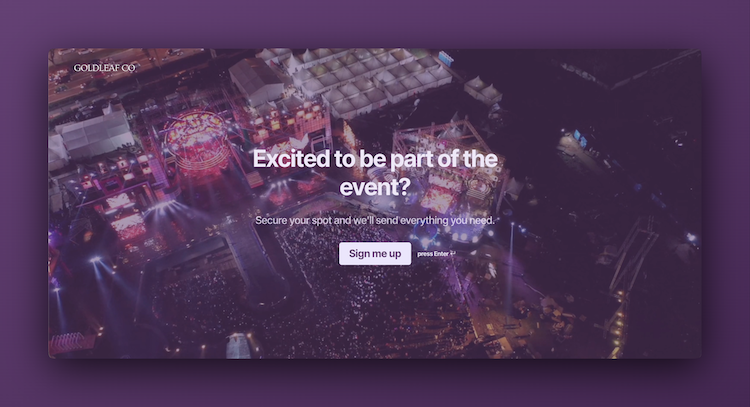
Event Signup Form
Increase attendance and easily collect the key details you need from every guest.

Branding Questionnaire
Gather the insights you need to shape a strong brand identity and position yourself confidently in the market.
Enhance your multi-step forms
Multi-step forms combine powerfully with other Formsuite features. Build the perfect form experience.