Build forms that think and adapt
Create dynamic forms that show, hide, and skip questions based on user responses. Every person sees only what matters to them.
Why conditional logic changes everything
Generic forms ask everyone the same questions, wasting time and frustrating users with irrelevant fields. Conditional logic transforms static forms into intelligent conversations that respond to each user uniquely. The result: shorter perceived form length, higher quality data, and dramatically better completion rates.
Personalize every journey
Each user sees only the questions that matter to them. A B2B lead sees enterprise-focused questions while a startup founder gets different qualification criteria. This personalization makes users feel understood and valued.
Collect better data
When questions are relevant, answers are more thoughtful. Conditional logic eliminates the 'not applicable' responses and confused guesses that pollute your data. Every response you collect is meaningful and actionable.
Reduce form fatigue
Long forms scare users away. Conditional logic keeps forms short by hiding unnecessary questions. A 30-field form might show only 10 questions to most users, dramatically reducing perceived effort and abandonment.
Powerful logic, simple setup
Building conditional logic in Formsuite is intuitive and visual. No coding, no complex formulas. Just select your conditions and watch your forms come alive.
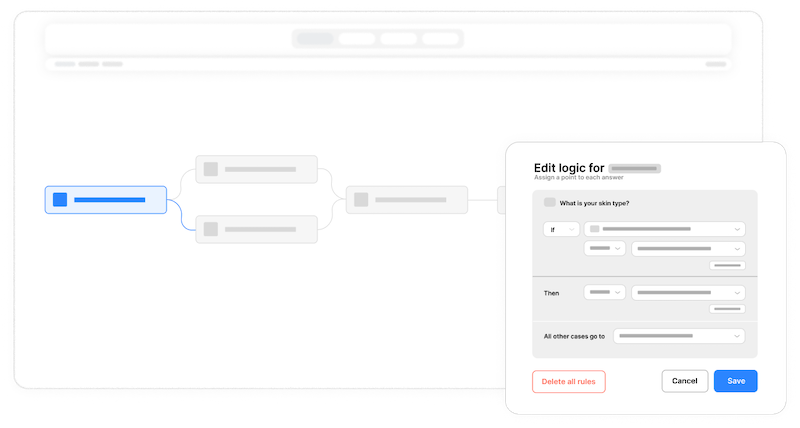
Set your conditions
Choose any question as a trigger and define the conditions. If the answer equals, contains, is greater than, or matches your criteria, the logic activates. Combine multiple conditions with AND/OR operators for complex scenarios.
Choose your actions
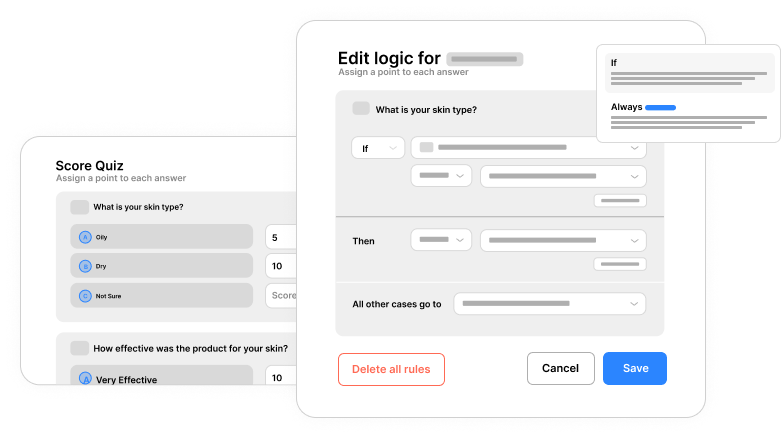
Decide what happens when conditions are met. Show or hide specific questions, jump to different sections, display custom messages, or redirect to unique thank-you pages. One condition can trigger multiple actions simultaneously.
Preview and test
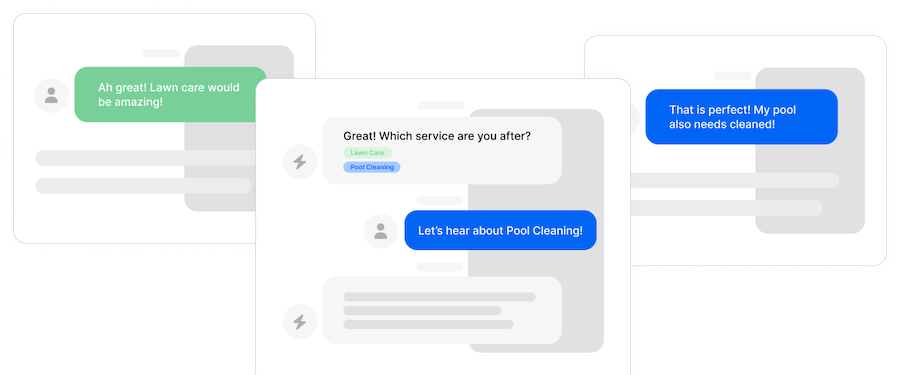
Walk through your form as different user types to verify the logic works perfectly. Test every branch, every condition, every possible path. Formsuite shows you exactly which rules are firing and why.
Iterate and optimize
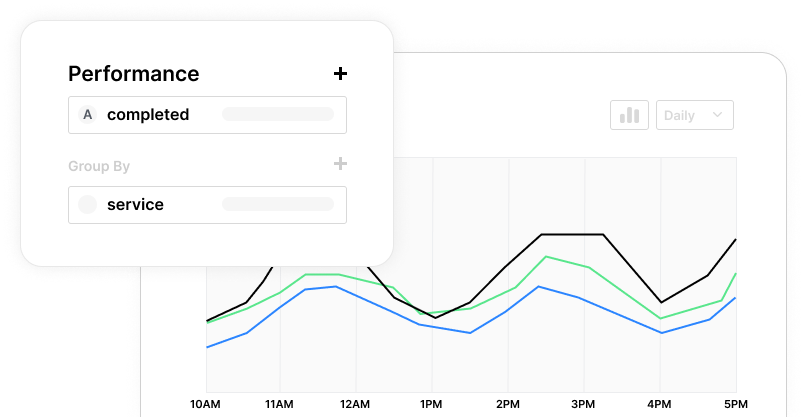
Analytics show which paths users take most often and where they drop off. Use these insights to refine your logic, simplify complex branches, and continuously improve the user experience.
Show and hide fields
Display questions only when they are relevant. Ask about dietary restrictions only if someone is attending dinner. Show shipping address fields only for physical products. Keep forms clean and focused.
Skip logic and jumps
Send users to different sections based on their answers. Qualified leads jump to scheduling, while others get educational content. Create multiple paths through a single form for different user segments.
Advanced condition types
Go beyond simple equals/not equals. Use contains, starts with, greater than, less than, and is empty. Build sophisticated logic that handles any business requirement.
AND/OR logic groups
Combine multiple conditions for precise control. Show a field when condition A AND condition B are true, OR when condition C is true. Nest logic groups for complex decision trees.
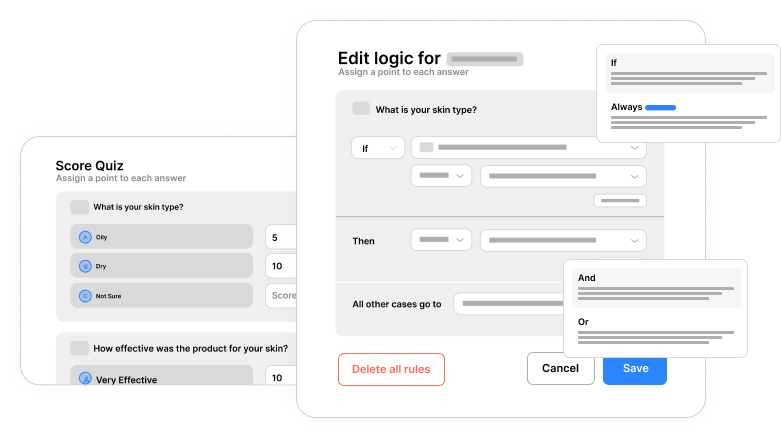
Conditional thank you pages
Route users to different endings based on their journey. High-value leads see a calendar booking page. Survey respondents with negative feedback get a support contact form. Match the ending to the experience.
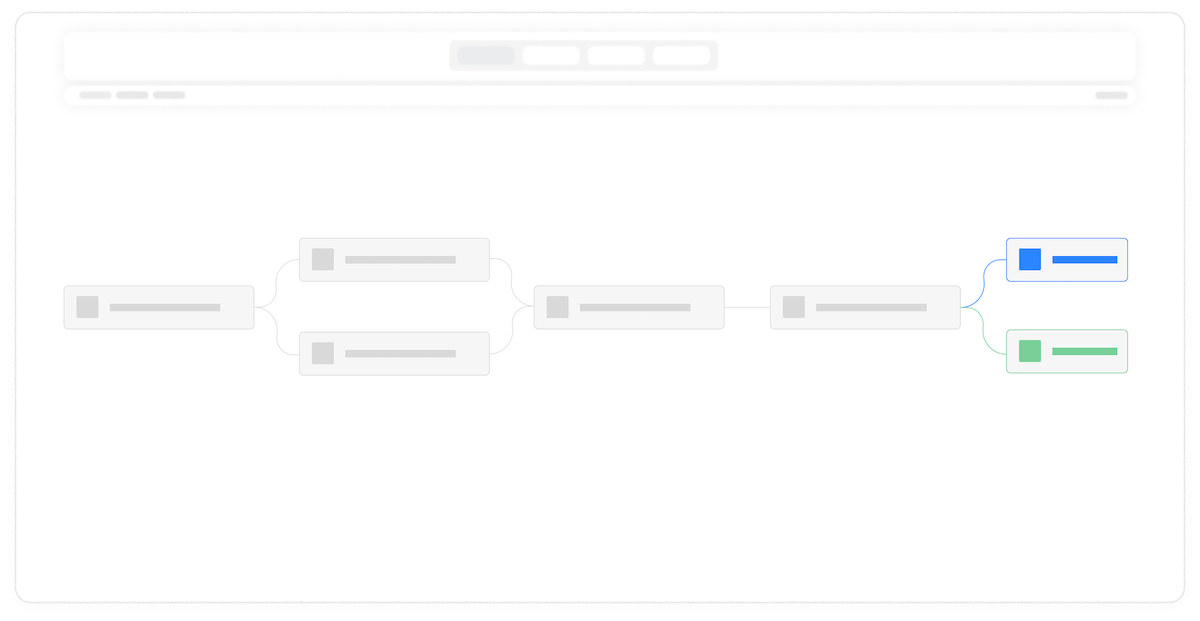
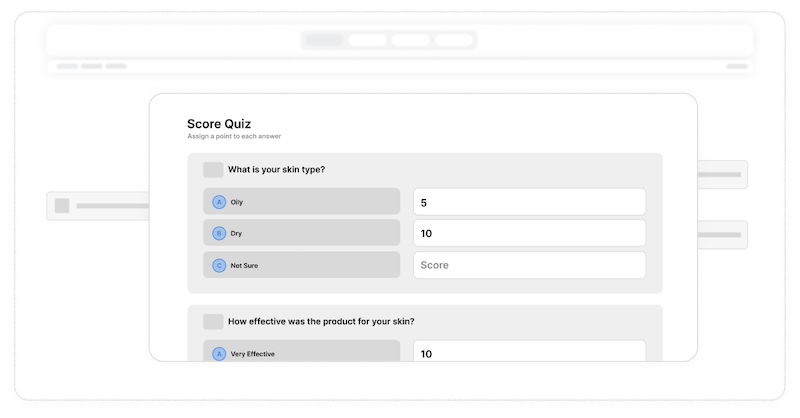
Score-based branching
Combine conditional logic with calculations for powerful scoring. Route users based on quiz scores, lead qualification points, or risk assessments. Automate complex decision-making within your forms.
Frequently Asked Questions
Everything you need to know about conditional logic and building dynamic forms. Have a specific question? Our support team is ready to help.
Still need help? Contact Us
Conditional logic is a feature that makes forms dynamic by showing, hiding, or changing elements based on user responses. Instead of displaying every question to every user, conditional logic creates personalized paths through your form. For example, if a user selects 'Yes' to 'Do you have dietary restrictions?', the form reveals follow-up questions about specific restrictions. Users who select 'No' skip directly to the next relevant section.
No coding is required. Formsuite provides a visual, point-and-click interface for building conditional logic. Select your trigger question, choose your condition type, define the action, and you are done. The interface shows your logic rules clearly and lets you test them instantly. Complex multi-condition rules are just as easy to create as simple ones.
There is no limit to the number of conditional logic rules you can add. Create as many conditions as your form requires. You can have multiple conditions on a single field, chain conditions together, and build complex branching paths. Formsuite handles even the most intricate logic scenarios without performance impact.
No, while conditional logic works with almost every field type in Formsuite, there are some field types that are not supported. This is because not all fields provide information that is relevant to the conditional logic. Use dropdown selections, radio buttons, checkboxes, text inputs, ratings, dates, numbers, and more as triggers.
When a field is hidden by conditional logic, any data previously entered in that field is preserved but not submitted with the form response. This prevents confusion in your data from partially-completed conditional sections. If a user changes their answer and the field reappears, any previously entered data is still there, providing a smooth experience.
Absolutely. Conditional logic integrates seamlessly with all Formsuite features. Use it with conversational forms for personalized dialogue paths. Combine it with calculations for score-based routing. Pair it with hidden fields for advanced tracking. Add it to multi-step forms for dynamic section navigation. The possibilities are extensive.
Formsuite includes a preview mode where you can walk through your form as a user. Test different answer combinations to verify each logic path works correctly. The preview shows which conditions are active and which fields are affected. You can also share preview links with teammates to test complex forms before going live.
Templates to get you started
Start from a ready-made template and customize it to fit your needs.

Product Recommendation Quiz
Give shoppers a tailored experience with this product recommendation quiz designed to guide them to the perfect choice.

Lead Qualification Form
Capture new leads and quickly determine whether they're the right fit for your product or service.

Customer Effort Score (CES) Survey
Measure how easy it is for customers to interact with your product, and use those insights to reduce churn and strengthen loyalty.
Supercharge your dynamic forms
Conditional logic is even more powerful when combined with other Formsuite features. Explore what else you can build.