Forms that calculate
Build pricing calculators, scored quizzes, and order forms that compute totals in real-time. Give users instant results while capturing qualified leads.
Why calculator forms drive results
Static forms collect information. Calculator forms deliver value. When users get instant pricing quotes, personalized scores, or calculated recommendations, they engage deeper and convert faster. Transform passive data collection into interactive experiences that users actually want to complete.
Instant value exchange
Users get something valuable in return for their information. A pricing estimate, a quiz score, a personalized recommendation. This value exchange dramatically increases form completion rates and lead quality.
Qualify leads automatically
Assign point values to responses and calculate lead scores in real-time. High-value prospects get routed to sales immediately. Lower-scoring leads enter nurture sequences. Let the math do the qualifying.
Eliminate back-and-forth
Stop the endless email chains asking for pricing details. Calculator forms gather all the variables upfront and deliver accurate quotes instantly. Prospects get answers, your team saves hours.
Calculations that power your business
From simple addition to complex formulas, Formsuite handles any calculation you need. Build sophisticated logic without writing a single line of code.
Pricing and quote calculators
Let users configure their perfect package and see the price update live. Factor in quantities, add-ons, discounts, and tiers. Generate professional quotes that close deals faster than static price lists ever could.
Scored quizzes and assessments
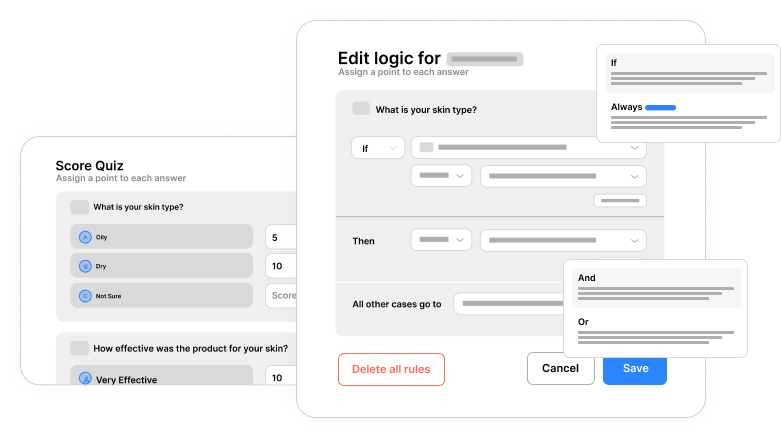
Assign point values to each answer option and calculate total scores automatically. Display results based on score ranges. Perfect for personality quizzes, knowledge tests, health assessments, and product recommendation engines.
ROI and savings calculators
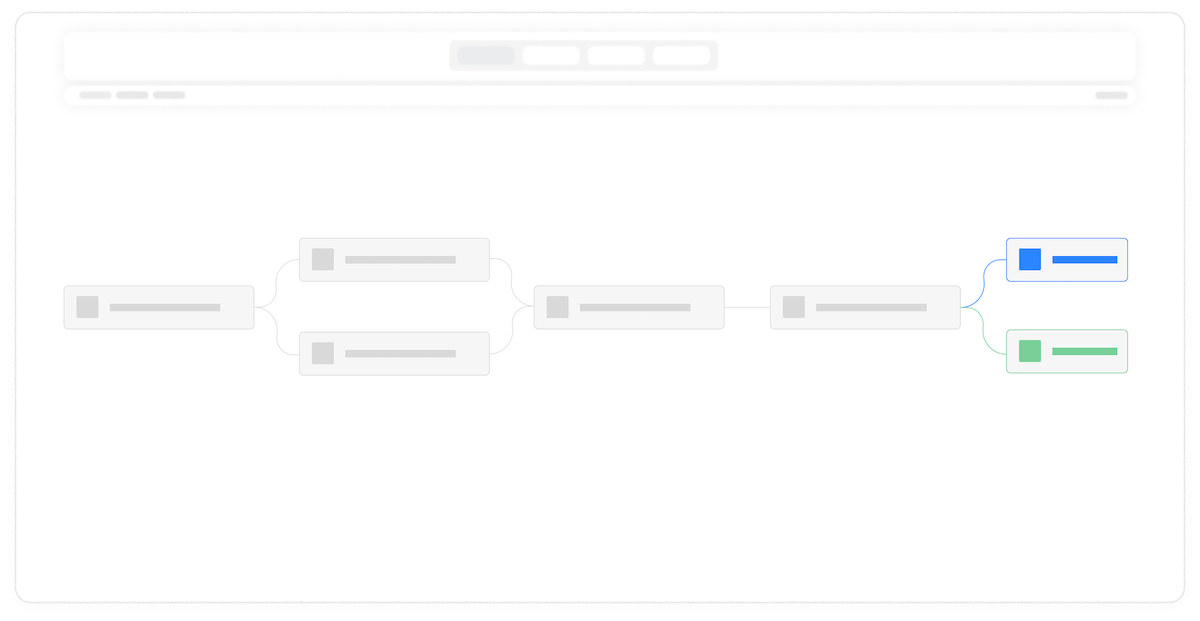
Help prospects understand the value of your solution with interactive ROI calculators. Input their current costs, calculate potential savings, and display compelling results that make the business case for you.
Order forms with running totals
Build order forms that update totals as users select products and quantities. Apply tax calculations, shipping costs, and bulk discounts automatically. Show line items and grand totals in real-time for a seamless checkout experience.
Answer scoring system
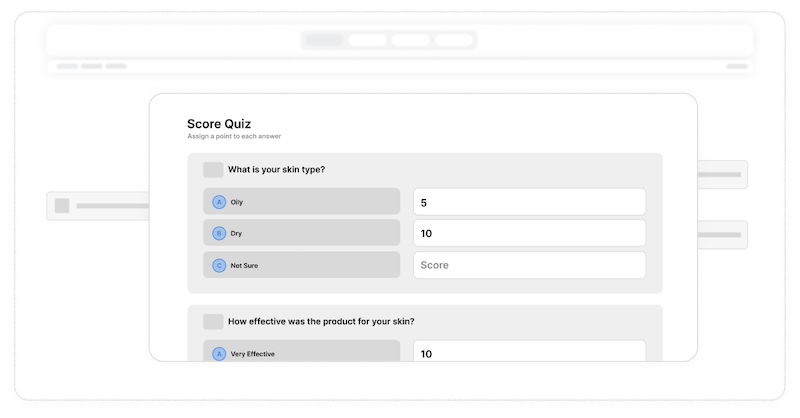
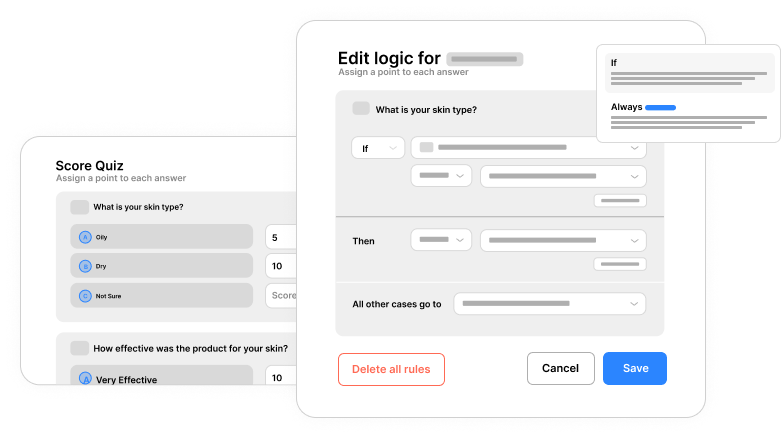
Assign numeric values to any answer option. Use positive or negative values to build sophisticated scoring models. Calculate totals, averages, or weighted scores based on user responses.
Real-time result display
Show calculated values anywhere in your form. Display running totals as users progress, reveal final scores at the end, or hide calculations entirely while using them for conditional logic behind the scenes.
Number formatting options
Display calculated values as currency, percentages, or plain numbers. Control decimal places, add thousand separators, and prefix or suffix values with custom text like dollar signs or units.
Hidden calculation fields
Perform calculations invisibly in the background. Calculate lead scores, internal metrics, or intermediate values without displaying them to users. Use these hidden values for logic, routing, or data analysis.
Frequently Asked Questions
Everything you need to know about building calculator forms and adding calculations to your forms. Need more help? Our support team is here.
Still need help? Contact Us
No coding is required. Formsuite provides a visual interface for building calculations. Simply select the fields you want to include in your formula, choose the operation, and the calculation is set up. For scoring, just click on answer options and assign point values. The system handles all the math automatically, and you can preview calculations in real-time as you build.
Yes, you have full control over when and how calculated values are displayed. Show running totals that update with each answer, display final scores only at the end, or keep calculations hidden entirely for internal use. You can place calculated values anywhere in your form and format them as currency, percentages, or plain numbers with custom prefixes and suffixes.
Start by adding fields for each variable that affects pricing, such as product selection, quantity, service tier, or add-ons. Assign values to each option, then create calculation fields that multiply quantities by prices, sum line items, and apply any discounts or taxes. Display the calculated total prominently so users see their quote update in real-time as they make selections.
To create a scored quiz, add your questions with multiple choice or other selectable answer types. Open the scoring panel and assign point values to each answer option. Correct answers might receive points while incorrect ones receive zero or negative values. Add a calculation field that sums all the scores, then use conditional logic to display different result messages based on score ranges.
Yes, you can create hidden calculation fields that perform math in the background without being visible to form respondents. These hidden values are still captured in your response data and can power conditional logic, integrations, and routing. This is useful for lead scoring, internal metrics, or intermediate calculation steps that users do not need to see.
Yes, all calculated values are captured and included in your form response data. You can see them in the response viewer, include them in email notifications, pass them to integrations like Google Sheets or your CRM, and use them in reports and analytics. The calculated data is as accessible as any other form field response.
Templates to get you started
Start from a ready-made template and customize it to fit your needs.

Product Recommendation Quiz
Give shoppers a tailored experience with this product recommendation quiz designed to guide them to the perfect choice.

Lead Qualification Form
Capture new leads and quickly determine whether they're the right fit for your product or service.

Online Quote Form
Let customers request a quick, accurate quote for your services in just a few simple steps.
Build more powerful forms
Calculator forms work even better with other Formsuite features. Combine them for maximum impact.