Your data, your way
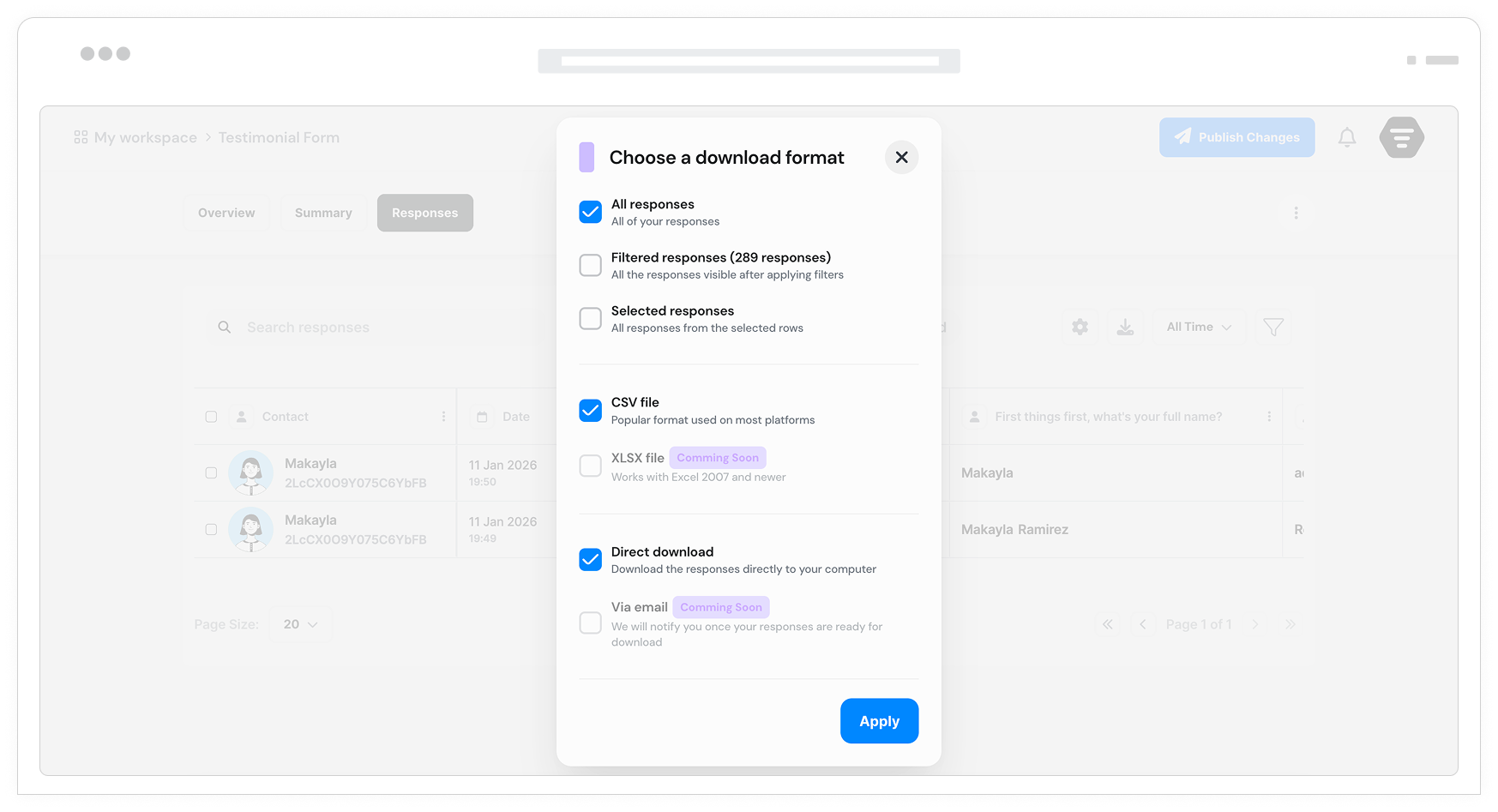
Export form responses to CSV, download PDF reports, or share public report links. Perfect for analysis, stakeholder sharing, or backups.
Why data export matters
Form data is only valuable when you can use it. Whether you need to analyze responses in spreadsheets, share reports with stakeholders, or create backups, flexible export options give you complete control over your data.
Analyze in any spreadsheet
Download CSV files and open them in Google Sheets, Microsoft Excel, or any spreadsheet tool. Create pivot tables, charts, and custom reports. Your data works wherever you do.
Share with stakeholders
Download PDF reports or enable public shareable links. Give clients, team members, or partners access to reports without needing Formsuite accounts.
Backup and compliance
Maintain local copies of your data for backup, compliance, or archival purposes. Regular exports ensure you always have access to your information, even offline.
Multiple ways to access your data
Download files or share links. Formsuite gives you flexible options for getting data where it needs to go.
CSV download
Download your responses as a CSV file. Open in Google Sheets, Microsoft Excel, or any spreadsheet tool. The universal format that works everywhere.
PDF reports
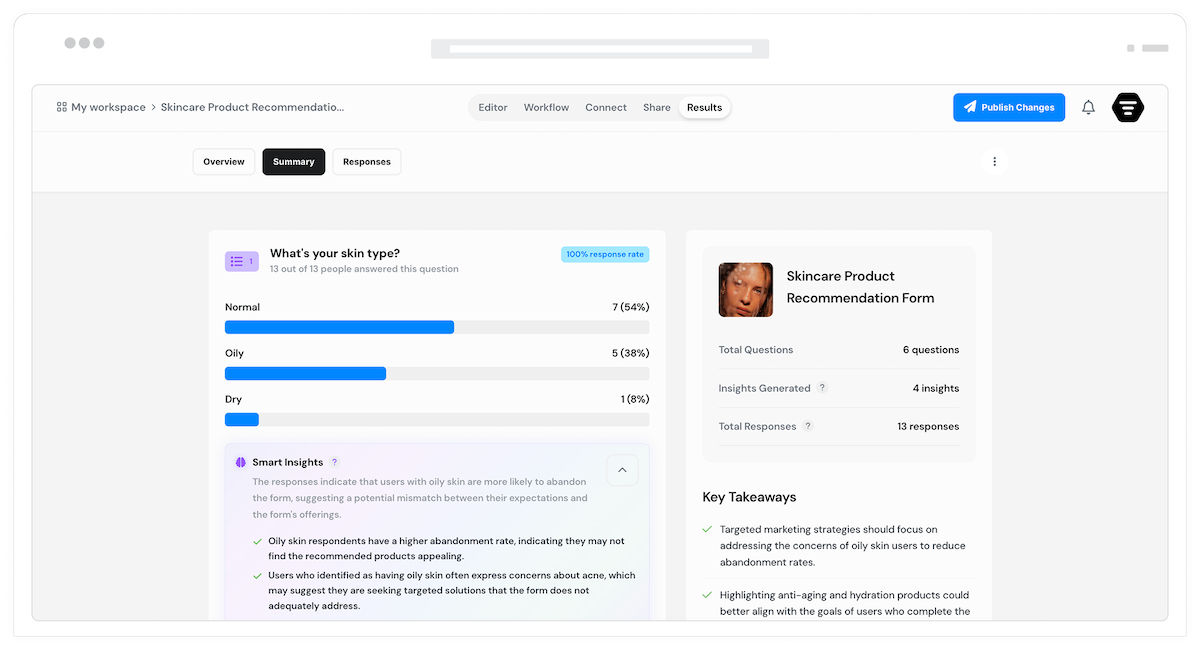
Download PDF reports of individual responses or summary analytics. Professional formatting ready to share with stakeholders who need to review data.
Public report links
Enable shareable report links with a unique URL. Share with clients, team members, or partners. They can view reports without needing a Formsuite account.
Private or public
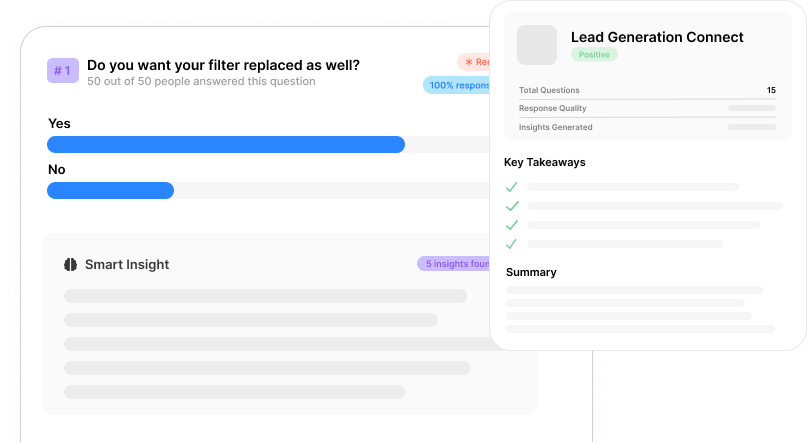
Control who sees your data. Keep reports private and download when needed, or enable public links for easy sharing. Toggle access on or off anytime.
Choose what to export
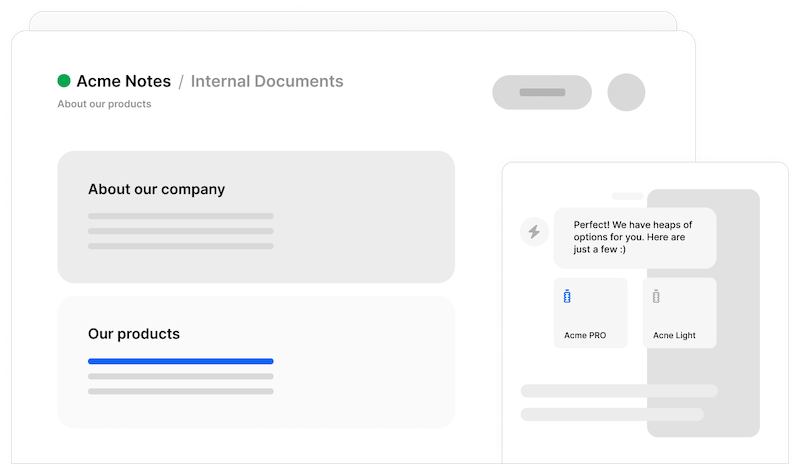
Export all responses or select specific ones. Filter by date range, status, or any field value before exporting. Get exactly the data you need.
Custom column selection
Choose which fields to include in CSV exports. Exclude unnecessary columns to get clean data that matches your needs.
Public report links
Generate unique URLs for your reports. Share with anyone who needs to view the data. No login required for viewers.
Pre-export filtering
Apply filters before exporting to get targeted datasets. Filter by submission date, specific answers, or any custom criteria.
Frequently Asked Questions
Everything you need to know about exporting your form data. Need help? We are here.
Still need help? Contact Us
You can download CSV files for spreadsheet analysis and PDF files for reports. CSV files open in Google Sheets, Microsoft Excel, or any spreadsheet tool.
Yes. Enable public shareable links to generate a unique URL for your reports. Share this link with anyone who needs to view the data. They can access it without a Formsuite account.
Yes, you can filter responses before exporting. Select individual responses, filter by date range, filter by specific field values, or export only responses matching certain criteria.
Yes. Customize your CSV export by selecting which fields to include or exclude. This saves time by eliminating post-export cleanup work.
When you enable public sharing, Formsuite generates a unique URL for your report. Anyone with the link can view the report. You can disable the link anytime to revoke access.
There are no arbitrary limits on export size. Export all your responses at once or break large datasets into filtered batches.
Export individual user data for data subject access requests. Filter by email or identifier to find all responses from a specific person, then export their complete data.
Yes. CSV is a universal format. Open your downloaded CSV file directly in Microsoft Excel, Google Sheets, or any other spreadsheet application.
Templates to get you started
Start from a ready-made template and customize it to fit your needs.

Lead Capture Form
Engage visitors and turn them into qualified leads with a simple, high-converting form.

Customer Effort Score (CES) Survey
Measure how easy it is for customers to interact with your product, and use those insights to reduce churn and strengthen loyalty.

Event Signup Form
Increase attendance and easily collect the key details you need from every guest.
Complete data management
Data export works with other Formsuite features to give you complete control over your form data.