Connect to everything
Sync form responses with CRMs, spreadsheets, email tools, and 5000+ apps. Native integrations and Zapier make automation effortless.
Why integrations matter
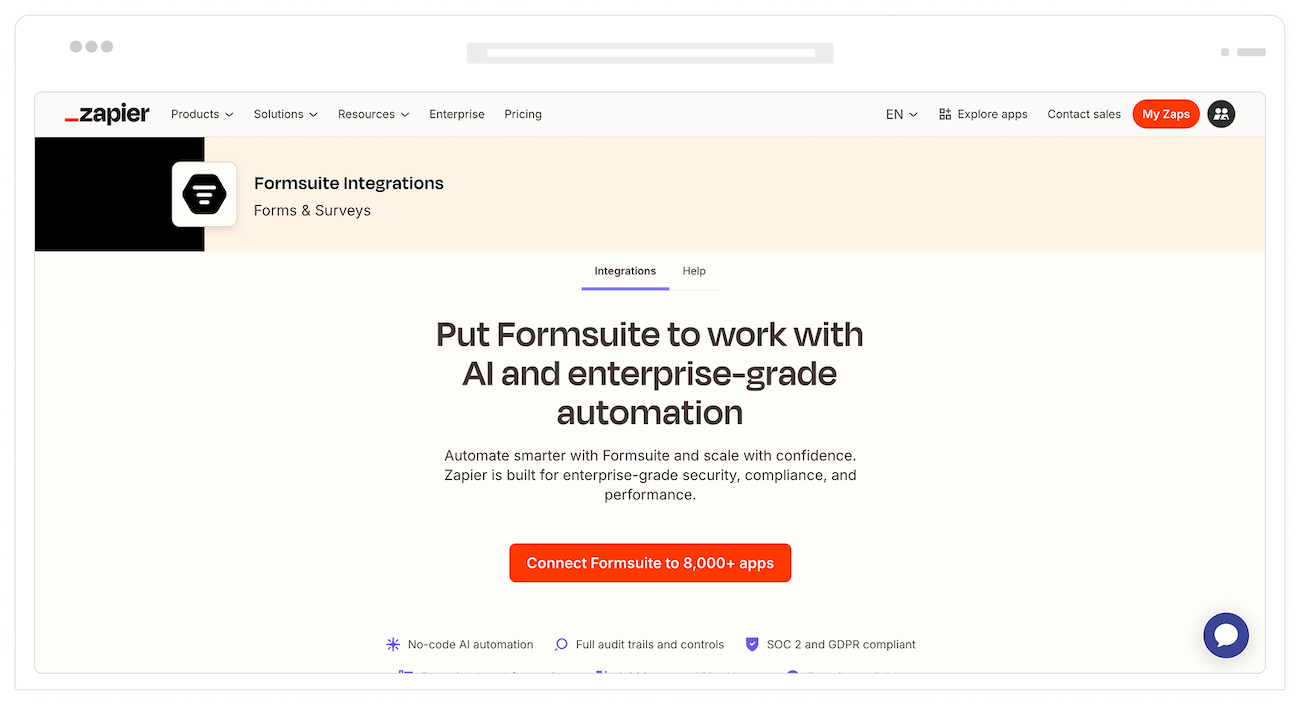
Forms collect data, but data is only valuable when it flows to the right places. Manual data entry wastes time and introduces errors. Through our Zapier integration, you can automatically route responses to your CRM, update spreadsheets, and trigger workflows across your entire tech stack.
Connect to 5000+ apps
Zapier connects Formsuite to over 5000 apps. CRMs, email platforms, spreadsheets, project management tools, and more. If the app exists, you can probably connect to it.
Eliminate manual work
Stop copying and pasting form responses into other systems. Automatic sync through Zapier means leads appear in your CRM instantly and data flows without lifting a finger.
Build powerful workflows
Chain multiple actions together in Zapier. A single form submission can update your CRM, add to a spreadsheet, send an email, and create a task, all automatically.
Connect to any app via Zapier
All Formsuite integrations run through Zapier, giving you access to thousands of apps with no code required.
CRM connections
Connect to HubSpot, Salesforce, Pipedrive, and more through Zapier. Form submissions automatically create or update contacts, deals, and activities in your CRM.

Email marketing
Sync with Mailchimp, ConvertKit, ActiveCampaign, and other email platforms via Zapier. Add subscribers to lists, trigger sequences, and segment based on form responses.
Spreadsheets
Send responses to Google Sheets or Excel through Zapier. Each submission adds a new row with all form data. Perfect for teams who analyze data in spreadsheets.
Project management
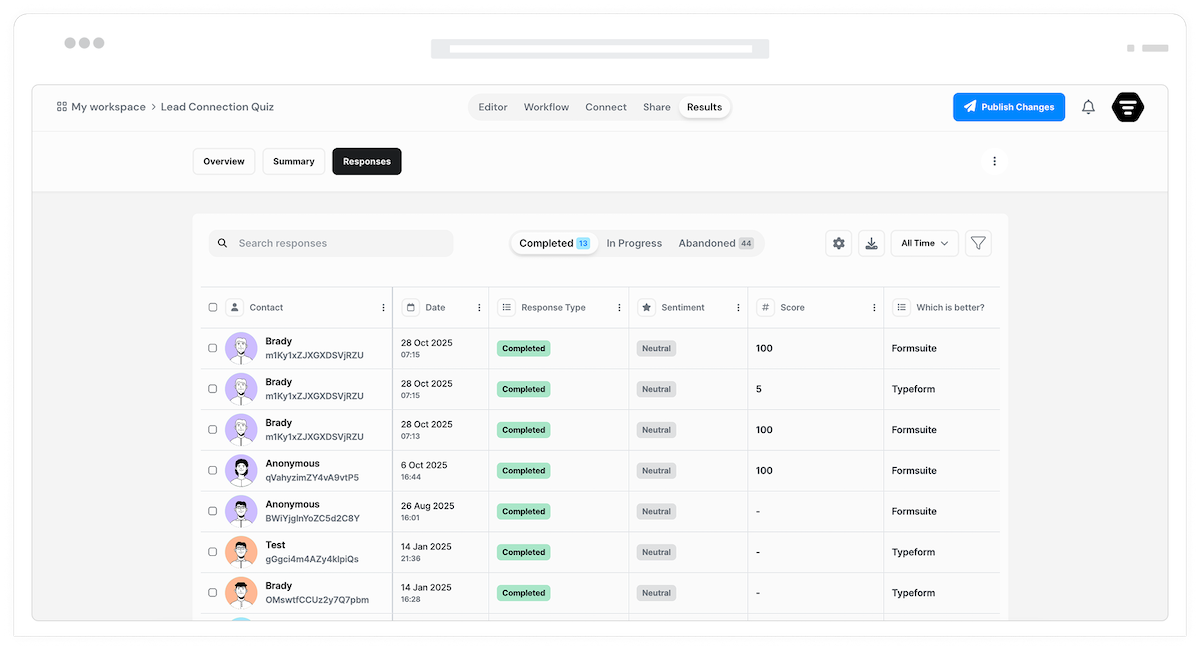
Create tasks in Asana, Trello, Monday, Notion, or any project tool via Zapier. Turn form submissions into actionable items for your team automatically.
5000+ apps
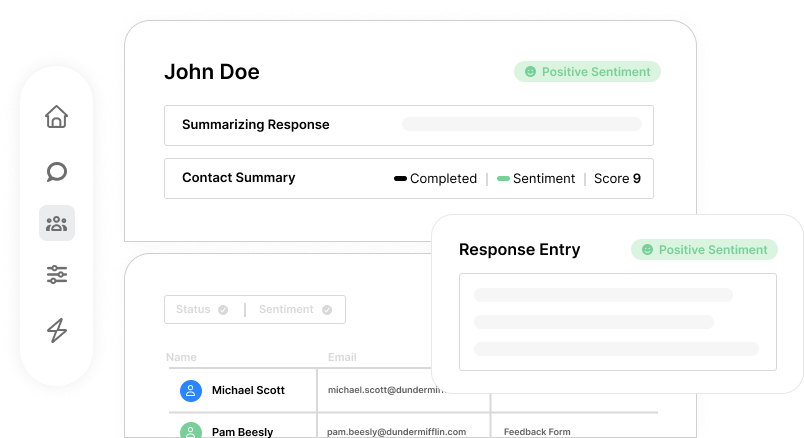
Connect to virtually any app through Zapier. CRMs, email tools, spreadsheets, project management, and thousands more. One integration unlocks everything.
Visual setup
Build integrations visually in Zapier without writing code. Select your apps, map your fields, and you are connected. Simple enough for anyone on your team.
Complex workflows
Chain multiple actions in a single Zap. One form submission can trigger a sequence of updates across different apps. Build sophisticated automations.
Field mapping
Map form fields to destination fields in Zapier. Ensure data lands in the right place with custom field mappings. Handle any data structure.
Conditional logic
Use Zapier filters to run actions conditionally. Only send high-value leads to your CRM. Only notify on certain responses. Smart routing built in.
Automatic retries
Zapier handles errors and retries automatically. If a destination app is temporarily down, your data still gets delivered when it comes back.
Frequently Asked Questions
Everything you need to know about connecting Formsuite to your other tools via Zapier. Need help setting up? We are here.
Still need help? Contact Us
All Formsuite integrations run through Zapier. When someone submits your form, Zapier receives the data and can send it to any of 5000+ connected apps. This gives you maximum flexibility with one simple connection.
Through Zapier, you can connect to CRMs (HubSpot, Salesforce, Pipedrive), email platforms (Mailchimp, ConvertKit), spreadsheets (Google Sheets, Excel), project tools (Asana, Trello, Notion), and thousands more. If it is in Zapier, you can connect it.
Create a Zap in Zapier with Formsuite as the trigger. Select your workspace or form, then add actions for the apps you want to send data to. Map your form fields to the destination fields. No coding required.
Yes. In Zapier, you can add multiple actions to a single Zap, or create multiple Zaps from the same form trigger. Send leads to your CRM, add to a spreadsheet, and create a task, all from one submission.
Yes. Zapier has built-in filters that let you run actions only when certain conditions are met. For example, only add leads to your CRM if they selected 'Enterprise' as their company size.
Yes, you will need a Zapier account to set up integrations. Zapier offers a free tier for basic usage. More complex workflows or higher volumes may require a paid Zapier plan.
Zapier automatically retries failed actions. If a destination app is temporarily unavailable, Zapier queues the data and delivers it when the app comes back online. Your data is not lost.
Currently, all integrations go through Zapier. This approach gives you access to thousands of apps through one connection point rather than maintaining individual integrations for each tool.
Templates to get you started
Start from a ready-made template and customize it to fit your needs.

Lead Capture Form
Engage visitors and turn them into qualified leads with a simple, high-converting form.

Customer Effort Score (CES) Survey
Measure how easy it is for customers to interact with your product, and use those insights to reduce churn and strengthen loyalty.

Event Signup Form
Increase attendance and easily collect the key details you need from every guest.
Automate your entire workflow
Integrations work with other Formsuite features to create powerful, automated data flows.