Never miss a submission
Get instant email alerts when someone submits your form. Understand the response in seconds with AI-powered summaries and a direct link to the full response.
Why email notifications matter
Speed wins deals. The faster you respond to leads and inquiries, the more likely you are to convert them. Email notifications deliver form submissions to your inbox instantly with AI-powered summaries, so you can act while interest is hot.
Instant lead response
Leads contacted within 5 minutes are 21x more likely to convert. Email notifications put new submissions in your inbox immediately, enabling the fast response times that win business.
AI-powered summaries
Each notification includes an AI-generated summary of the response. Quickly understand what the submission is about without reading through every field.
One-click access
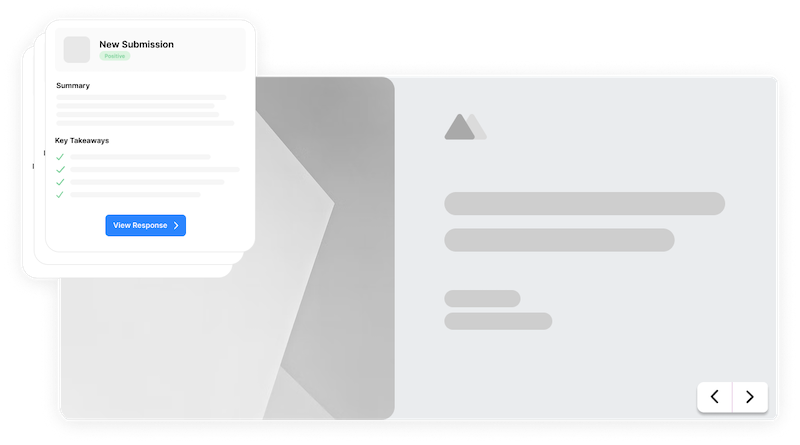
Every email includes a direct link to the full response in Formsuite. View the complete overview, scores, summaries, and transcript with a single click.
Smart notifications for your team
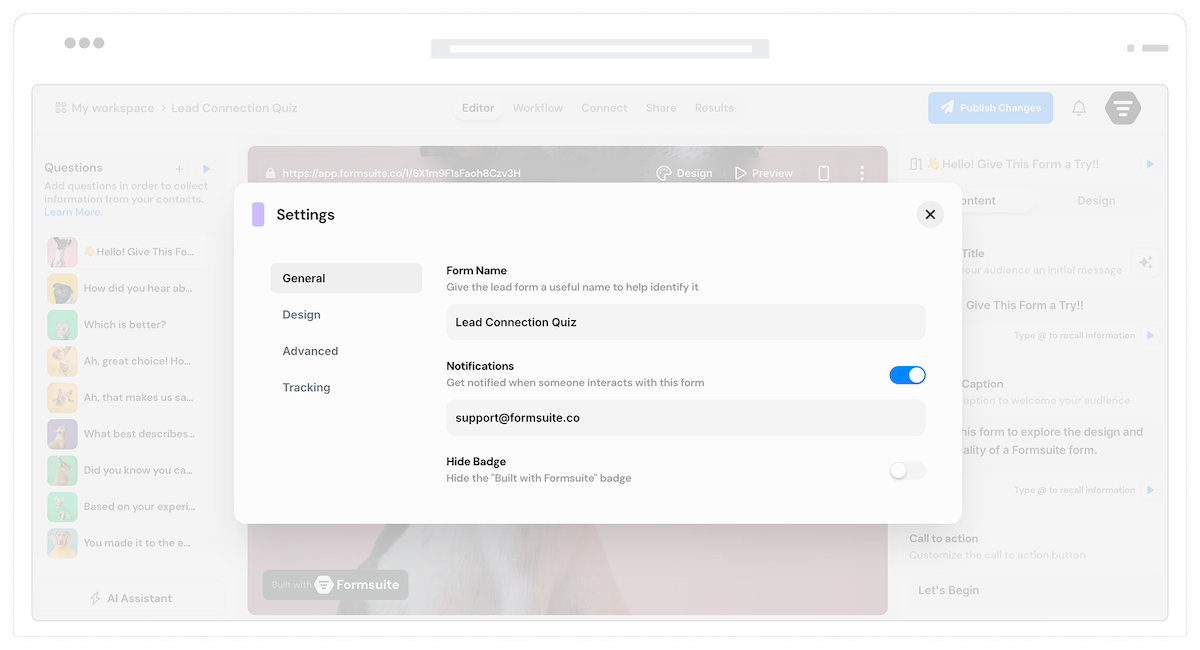
Configure exactly how and when your team gets notified about new form submissions.
Per-form settings
When creating a form, decide if you want to receive email notifications. Turn them on or off for each form individually. Complete control over what generates emails.
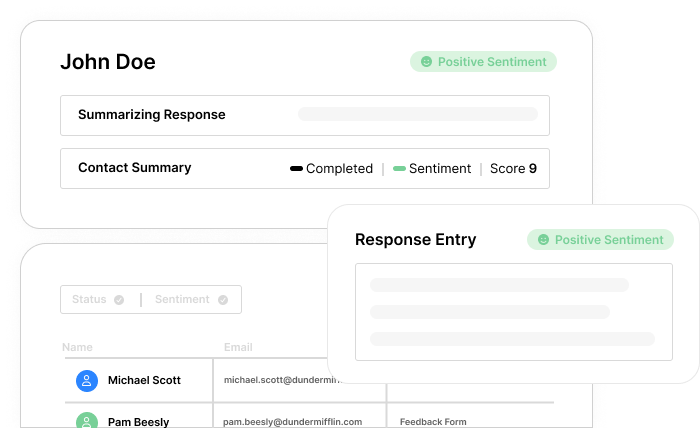
AI response summary
Every notification email includes an AI-generated summary of the submission. Understand the key points at a glance without parsing through individual fields.
Direct response link
Each email includes a link to the full response in Formsuite. Click through to see the complete overview, calculated scores, AI summaries, and full transcript.
Real-time alerts
Receive email notifications within seconds of form submission. No delays or batching. Act on new leads and responses while interest is fresh.
Smart summaries
AI analyzes each response and generates a concise summary. Understand the essence of the submission instantly without reading every field.
Per-form toggle
Enable or disable notifications for each form independently. High-priority forms notify instantly. Others you check in the dashboard.
Scores & insights
Response links include calculated scores, AI summaries, and the full transcript. Get the complete picture with one click from your inbox.
Frequently Asked Questions
Everything you need to know about email notifications for your forms. Need help with setup? We are here.
Still need help? Contact Us
Email notifications are sent within seconds of form submission. The moment someone clicks submit, notification emails begin delivering to all configured recipients. Typically notifications arrive within a minute.
Each notification includes an AI-generated summary of the response so you can quickly understand the submission. It also includes a direct link to view the full response in Formsuite with overview, scores, summaries, and transcript.
Yes, email notifications are configured per form. When creating or editing a form, you decide whether to receive email notifications and who should receive them. Each form has independent settings.
The link takes you directly to the response in Formsuite. You will see the complete overview, any calculated scores, AI-generated summaries and analysis, and the full transcript of all responses.
Currently, email notifications are sent to your team only. Respondents do not receive automatic confirmation emails. You can set up respondent emails through Zapier integrations if needed.
When a form is submitted, our AI analyzes the responses and generates a concise summary highlighting the key points. This appears in your notification email so you can quickly understand what the submission is about.
Yes, each form has its own recipient list. Your lead generation form can notify sales, your support form can notify your support team, and your job applications can notify HR. Configure recipients independently per form.
Templates to get you started
Start from a ready-made template and customize it to fit your needs.
Lead Capture Form
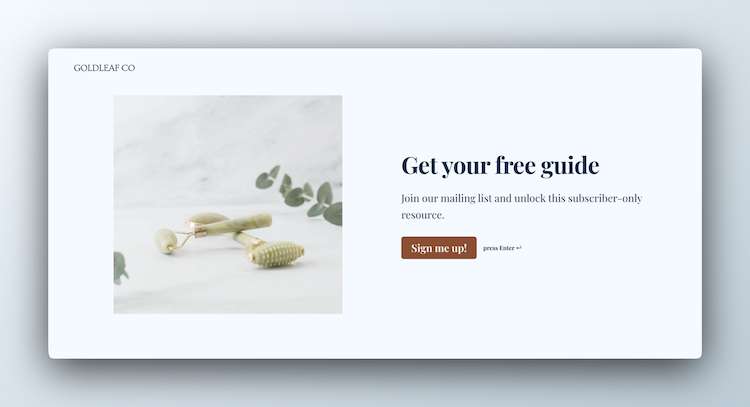
Engage visitors and turn them into qualified leads with a simple, high-converting form.
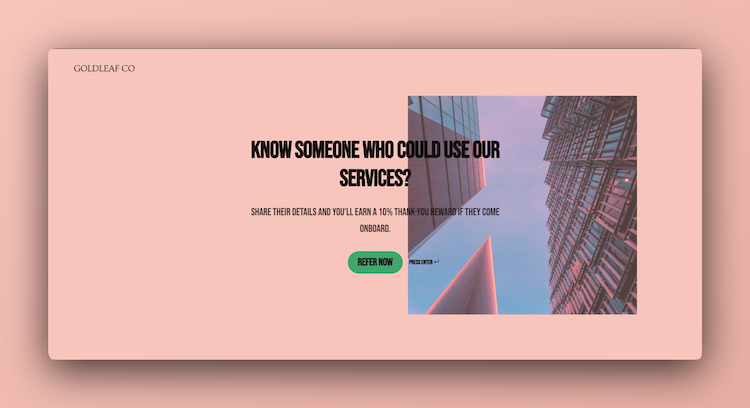
Client Referral Form
Make it easy for happy clients to recommend your business by collecting referrals from friends and colleagues.
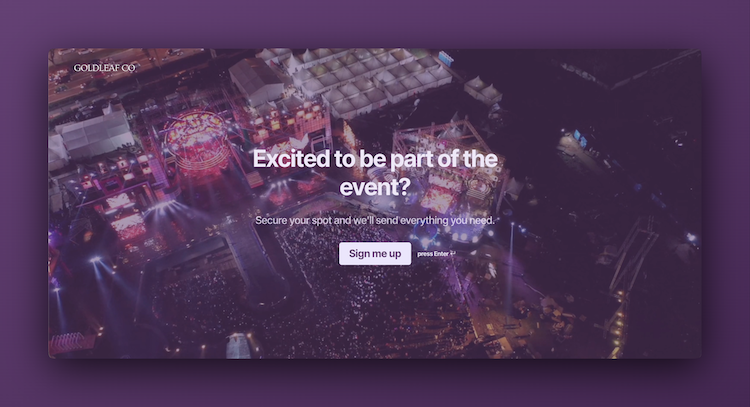
Event Signup Form
Increase attendance and easily collect the key details you need from every guest.
Build complete notification workflows
Email notifications work with other Formsuite features to create comprehensive response workflows.