Booking forms that fill your calendar
Appointment request forms that capture availability, service preferences, and customer details. Streamline scheduling for demos, consultations, and services.
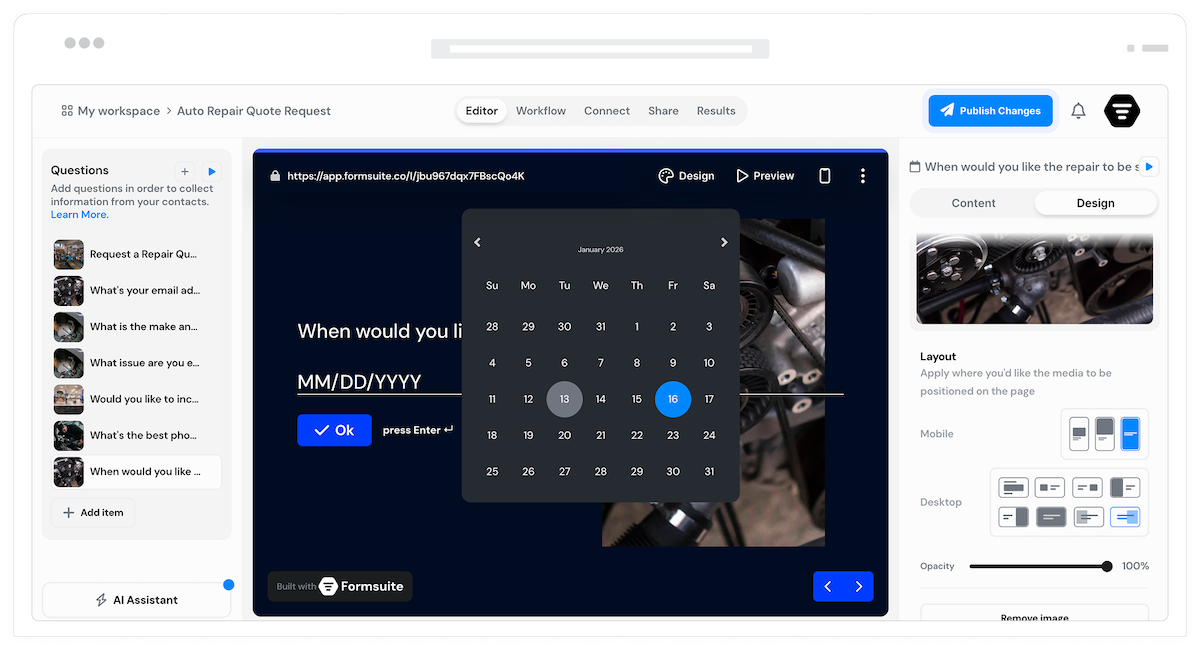
Why booking forms matter
Scheduling should not require endless email chains. Booking forms collect everything needed to schedule appointments: preferred times, service type, contact information, and special requirements. You get qualified booking requests ready for confirmation.
Eliminate scheduling back-and-forth
Collect availability preferences upfront. Know when customers want to meet before you respond. Reduce the emails needed to find a time that works.
Gather complete context
Booking forms collect more than just time preferences. Gather project details, goals, and requirements so you arrive at appointments prepared.
Qualify before you Meet
Ask qualifying questions to ensure the appointment makes sense. Filter out poor fits early. Spend meeting time with prospects and customers who matter.
Forms for every scheduling need
From sales demos to service appointments, build booking experiences that work for your business.
Demo request forms
Capture demo requests with company information, use case details, and preferred meeting times. Sales teams get qualified opportunities with context to personalize the demo.
Consultation booking
Let clients request consultations by describing their needs, selecting service types, and indicating availability. Arrive at every consultation prepared with background.
Service appointments
Collect service type, preferred dates, location details, and special requirements. Everything needed to schedule and prepare for service appointments.
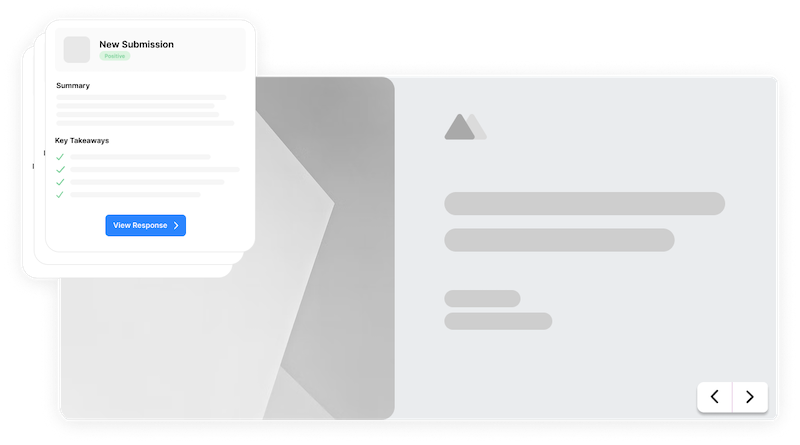
Meeting requests
Internal or external meeting requests with topic, attendee preferences, and time options. Streamline how people request time on your calendar.
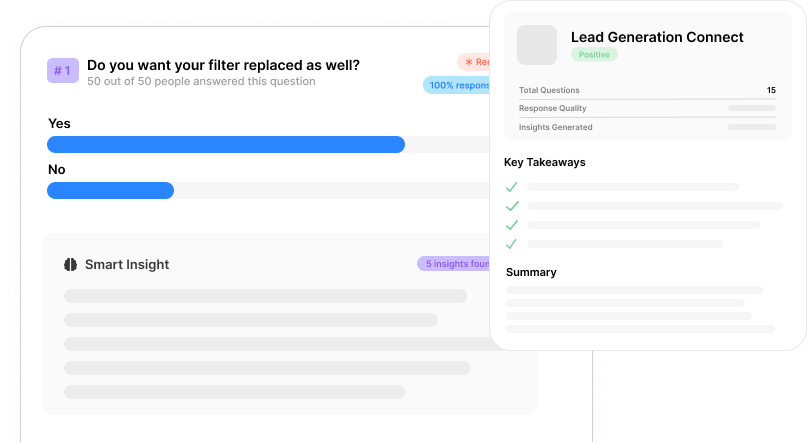
Time preference collection
Let requesters indicate preferred dates and times. Collect multiple options to increase the chance of finding a match. Flexible scheduling inputs.
Service selection
Display available services, session types, or meeting formats. Requesters choose what they need. Different services can trigger different follow-up questions.
Dynamic questions
Ask different questions based on service type or request category. Sales demos ask about company size. Service appointments ask about equipment. Relevant context every time.
Instant request alerts
Email notifications alert you immediately when booking requests arrive. Route different request types to different team members. Never miss an appointment request.
Calendar integration
Connect to Google Calendar, Outlook, Calendly, or scheduling tools through Zapier. Automatically create calendar events or trigger scheduling workflows.
Request confirmation
Thank customers for their request and set expectations. Explain next steps: confirmation email, calendar invite, or callback. Clear communication builds trust.
Frequently Asked Questions
Everything you need to know about building booking and appointment forms. More questions? We are here to help.
Still need help? Contact Us
Build demo request forms, consultation booking forms, service appointment forms, meeting request forms, callback request forms, and any form that collects scheduling preferences and contact information.
Yes, use date and time fields, multiple choice for time slots, or open text for availability descriptions. Collect as much scheduling detail as you need to find times that work.
Yes, conditional logic shows relevant questions based on service or appointment type selected. Each type of booking can have its own set of follow-up questions.
Connect to Google Calendar, Outlook, Calendly, or any calendar system through Zapier. When booking requests submit, create calendar events, send invites, or trigger scheduling workflows.
Yes, add qualifying questions about company size, budget, timeline, or needs. Use responses to prioritize requests and prepare for appointments with the right context.
Customize the thank-you page to confirm receipt and explain next steps. Set expectations for response time, confirmation process, or what to prepare for the appointment.
Yes, conditional email notifications route requests based on service type, location, or any form field. Each team member receives only the booking requests relevant to them.
Yes, embed booking forms inline on service pages, as popups, or on dedicated booking pages. Customers request appointments without leaving your website.
Templates to get you started
Start from a ready-made template and customize it to fit your needs.
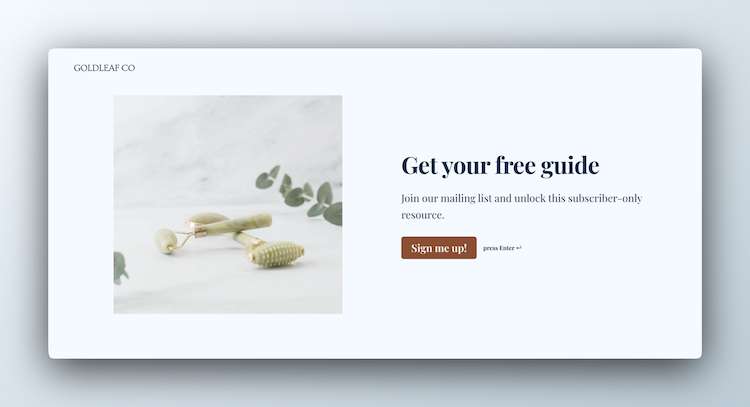
Lead Capture Form
Engage visitors and turn them into qualified leads with a simple, high-converting form.
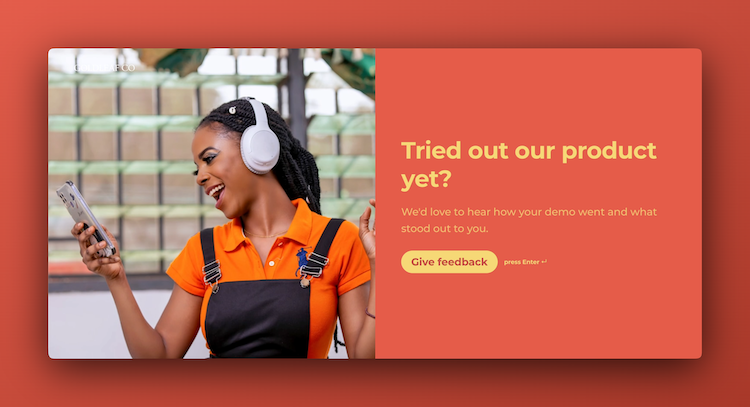
Demo Feedback Form
Gather clear, honest input from users after a demo so you can improve the experience and better showcase your product.
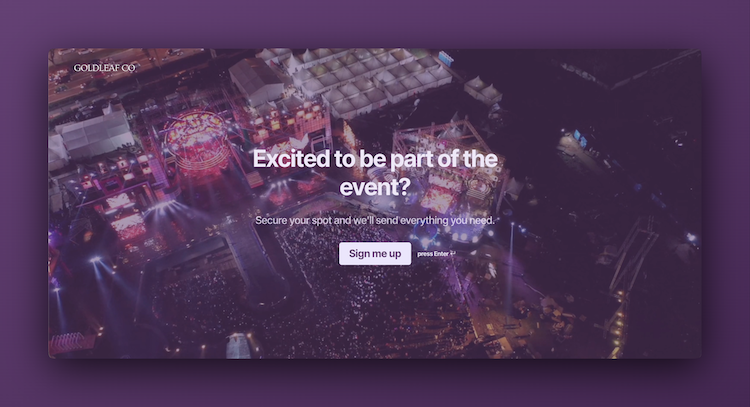
Event Signup Form
Increase attendance and easily collect the key details you need from every guest.
Build complete booking experiences
Booking forms work best with these complementary features.