Support that actually helps
Contact forms that collect the right information upfront. Route inquiries to the right team and resolve issues faster with less back-and-forth.
Why smart contact forms matter
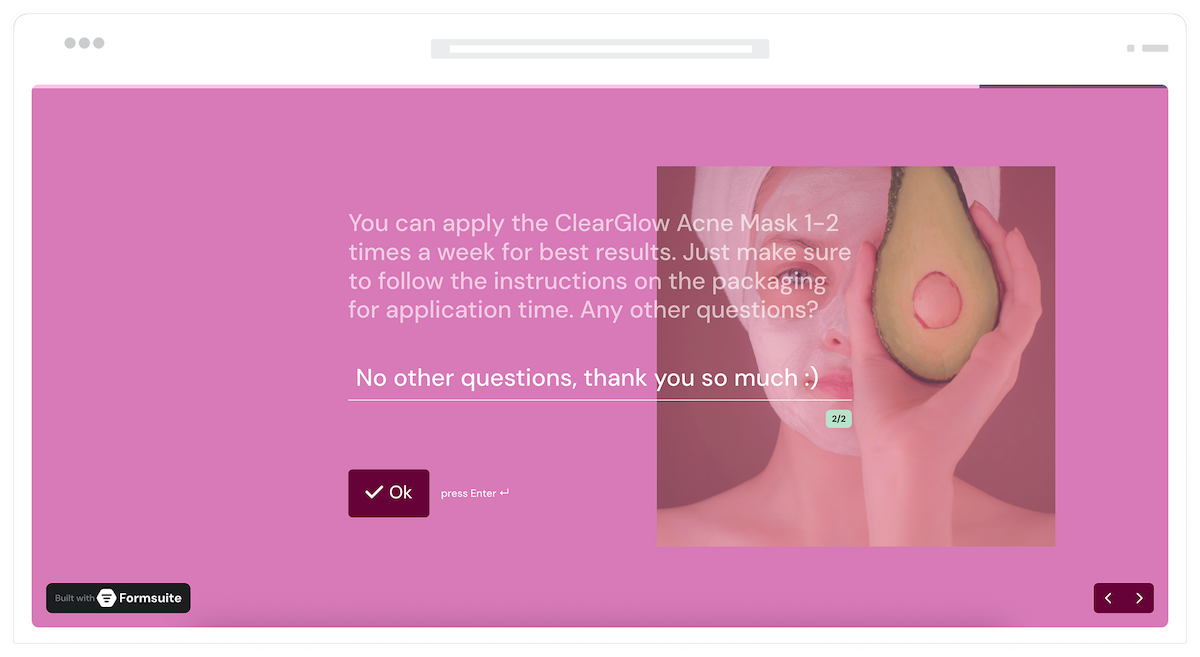
Generic contact forms create more work. Vague messages require follow-up questions. Requests land in the wrong inbox. Smart contact forms ask the right questions upfront, route to the right team, and give support agents everything they need to help on the first response.
Faster resolution times
When forms collect issue details, account information, and context upfront, support agents can solve problems immediately instead of asking clarifying questions. First-contact resolution improves.
Route to the right team
Sales questions go to sales. Technical issues go to support. Billing inquiries go to finance. Conditional routing ensures every request reaches the right people without manual sorting.
Better customer experience
Customers hate repeating themselves. Forms that gather information once and pass it to agents create smoother experiences. Customers feel heard, not interrogated.
Contact forms that work harder
From simple contact forms to sophisticated support intake, build experiences that help customers and agents alike.
Dynamic question paths
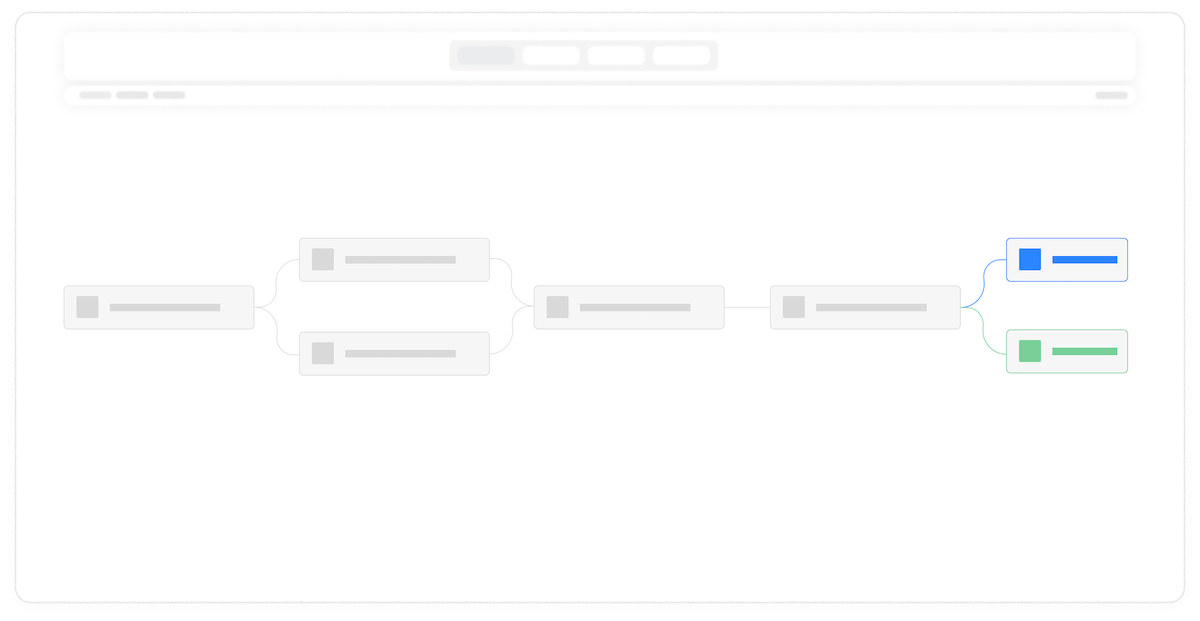
Ask different questions based on inquiry type. Technical issues prompt for error messages and steps to reproduce. Sales inquiries ask about company size and needs. Relevant questions every time.
File attachments
Let customers attach screenshots, documents, or files that help explain their issue. Visual context often resolves tickets faster than lengthy text descriptions.

Priority and urgency
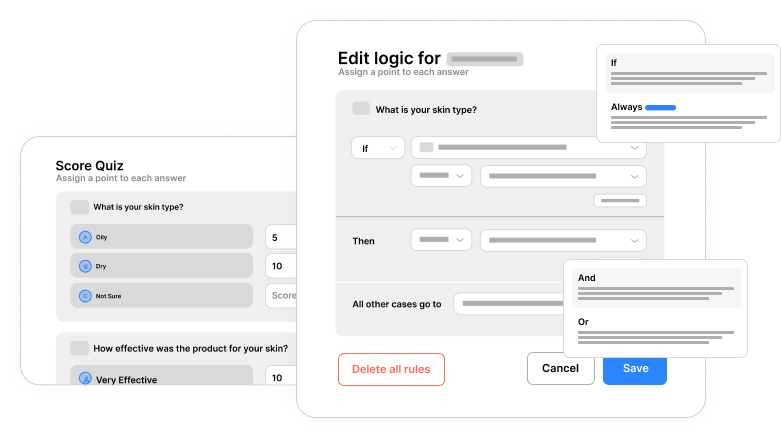
Let customers indicate urgency or let your form calculate priority based on issue type and customer tier. High-priority requests surface immediately for faster handling.
Confirmation and expectations
Thank customers for reaching out and set response time expectations. Clear confirmation pages reduce anxiety and prevent duplicate submissions.

Capture full context
Collect account information, order numbers, product details, and issue descriptions. Agents have everything they need to help without asking follow-up questions.
Instant alerts
Receive email notifications immediately when forms are submitted. Set up different notifications for different inquiry types. Never miss a customer request.
Branded experience
Contact forms that match your website and brand. Professional appearance builds trust. Customers know they are in the right place.
Support analytics
Track inquiry volume, common issue types, and submission trends. Identify recurring problems and measure the impact of product changes on support volume.
Frequently Asked Questions
Everything you need to know about building effective support and contact forms. More questions? We are here to help.
Still need help? Contact Us
Build general contact forms, technical support forms, sales inquiry forms, billing question forms, feature request forms, bug report forms, and any custom intake form your business needs.
Yes, file upload fields let customers attach screenshots, documents, logs, or any files that help explain their issue. Attachments are securely stored with the submission.
Yes, conditional logic shows relevant follow-up questions based on the issue category selected. Technical issues prompt for error details, billing questions ask for order numbers.
Yes, connect to help desk platforms like Zendesk, Freshdesk, Intercom, or any ticketing system through Zapier. Automatically create tickets from form submissions.
Customize the thank-you page to confirm receipt and communicate expected response times. Different issue types can show different expectations based on priority or complexity.
Yes, analytics show submission volume over time, popular issue categories, and trends. Identify recurring problems, measure the impact of changes, and inform product decisions.
Yes, embed contact forms directly on your website, help center, or support pages. Inline embeds, popups, and slide-ins are all supported. Customers never leave your site.
Templates to get you started
Start from a ready-made template and customize it to fit your needs.

Design Request Form
Collect clear, organized design requests so you can deliver new assets efficiently and without back-and-forth.

Customer Effort Score (CES) Survey
Measure how easy it is for customers to interact with your product, and use those insights to reduce churn and strengthen loyalty.
Client Satisfaction Survey
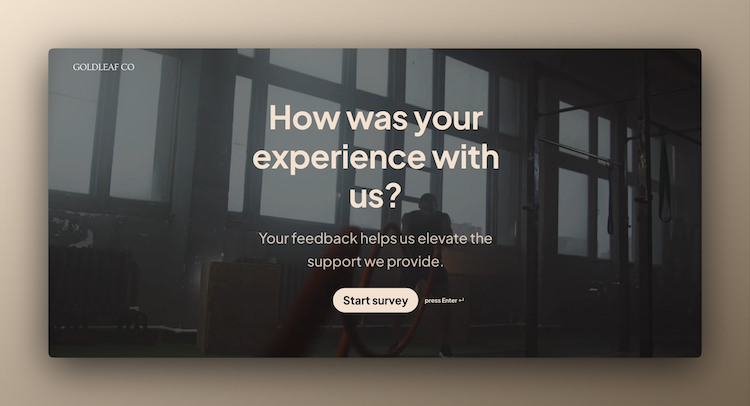
Check in with your clients and understand how satisfied they are with your services so you can keep improving.
Build complete support experiences
Support forms work best with these complementary features.