Collect files effortlessly
Accept resumes, photos, documents, and any file type through your forms. Secure uploads with automatic cloud storage included.
Why file uploads matter
Some information cannot be typed. Resumes, portfolios, photos, contracts, and designs need to be uploaded. Formsuite makes file collection seamless for users and organized for you, with secure cloud storage that keeps everything accessible and safe.
Collect what text cannot capture
Resumes tell more than names and dates. Photos show what words cannot describe. Documents contain details that would take pages to type. File uploads capture rich information that text fields simply cannot.
Streamline your workflows
Stop asking people to email files separately. Collect everything in one submission. Applications, registrations, and requests arrive complete with all necessary documents attached and organized.
Secure by default
Every uploaded file is encrypted in transit and at rest. Cloud storage is included with your plan. Files remain accessible only to you and your team, with granular permission controls.
Flexible file collection
Configure file uploads to accept exactly what you need. Control file types, sizes, and quantities with easy-to-set restrictions.
Multiple file types
Accept images, PDFs, documents, spreadsheets, presentations, or any file type you need. Restrict to specific formats or allow any file. Users see clear guidance on what they can upload.
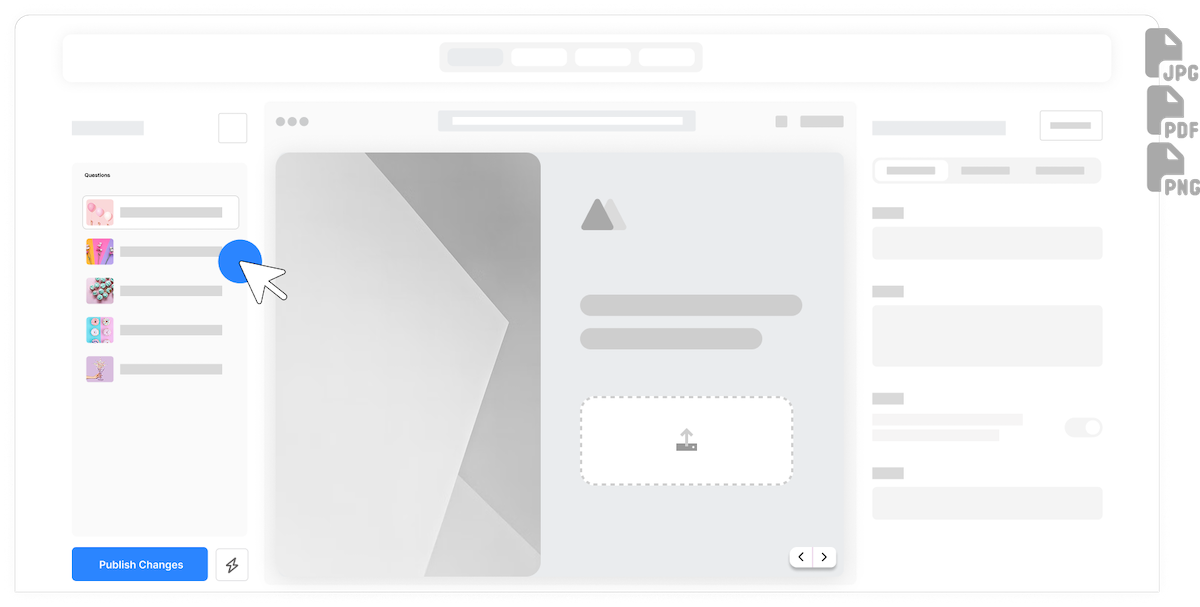
Drag and drop interface
Users can drag files directly onto the upload area or click to browse. The intuitive interface works on all devices, making uploads effortless on desktop, tablet, and mobile.

Progress and preview
Real-time progress bars show upload status. Image previews let users verify they selected the right file. Users can remove and replace files before submitting.
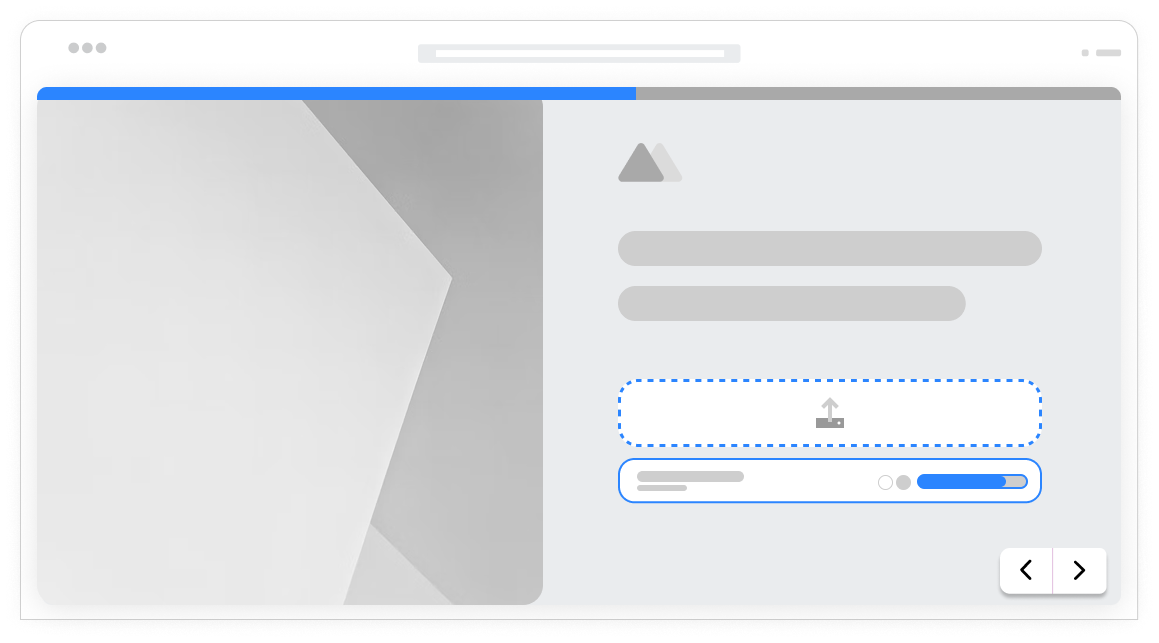
Image uploads
Collect photos, screenshots, designs, and graphics. Accept JPG, PNG, GIF, PDF, and other image formats. Preview media options help users confirm their selection before submitting, or allows them to remove and reupload if needed.
Document collection
Accept PDFs, Word documents, spreadsheets, and presentations. Perfect for resumes, contracts, proposals, and any business documentation that needs to accompany form submissions.
Multiple file uploads
Let users upload several files in a single field. Collect photo galleries, document packages, or portfolios. Set the maximum number of files allowed per upload.
Secure cloud storage
Uploaded files are stored securely in the cloud. Access files anytime from your dashboard. Download individual files or bulk export all attachments with your form data.
Frequently Asked Questions
Everything you need to know about collecting files through your forms. Need help with configuration? We are here.
Still need help? Contact Us
You control which file types are accepted. Allow any file type, or restrict to specific formats like images only (JPG, PNG, GIF), documents (PDF, DOC, DOCX), spreadsheets (XLS, XLSX, CSV), or custom combinations. Users see clear guidance on accepted formats and receive helpful error messages if they try to upload unsupported types.
Default maximum file size is 10MB per file, which works for most documents and images. Pro plans can increase limits for larger files like videos or high-resolution images. You can also set custom lower limits if you want to restrict file sizes for your specific use case.
Yes, you can configure file upload fields to accept multiple files. Users can select multiple files in the file browser or drag and drop several files at once. Each file shows its own progress indicator. Multiple upload is only available on Pro plans and above.
Files are stored securely in cloud storage included with your Formsuite plan. All files are encrypted at rest and in transit. You can access files from the response viewer, download them individually, or export all attachments in bulk. Files remain available as long as the form response exists.
Yes, file upload fields can be set as required just like any other field type. Users cannot submit the form until they have uploaded the required file. You can also make uploads optional for situations where files are helpful but not necessary.
File uploads work seamlessly on mobile devices. Users can select files from their device storage just like on desktop. The upload interface is optimized for touch interactions on smaller screens.
Yes, uploaded files can be included in integration workflows. Send file URLs or attachments to Google Drive, Dropbox, Slack, email notifications, and many other connected tools. This allows you to automatically organize uploaded files in your preferred storage system.
Security is a priority. Files are encrypted during upload using HTTPS/TLS. Stored files use AES-256 encryption at rest. Access requires authentication. Files are not publicly accessible, only visible to authorized team members through your Formsuite dashboard or via secure download links.
Templates to get you started
Start from a ready-made template and customize it to fit your needs.

Testimonial Form
Collect impactful, authentic testimonials from your customers to showcase real results and build trust.

Design Request Form
Collect clear, organized design requests so you can deliver new assets efficiently and without back-and-forth.

Employee Feedback Form
Invite honest input from your team so you can improve processes, culture, and communication.
Build complete collection forms
File uploads work with other Formsuite features to create comprehensive data collection experiences.