Never lose a lead again
Capture responses even when users abandon mid-form. Recover partial data, follow up with interested prospects, and rescue lost conversions.
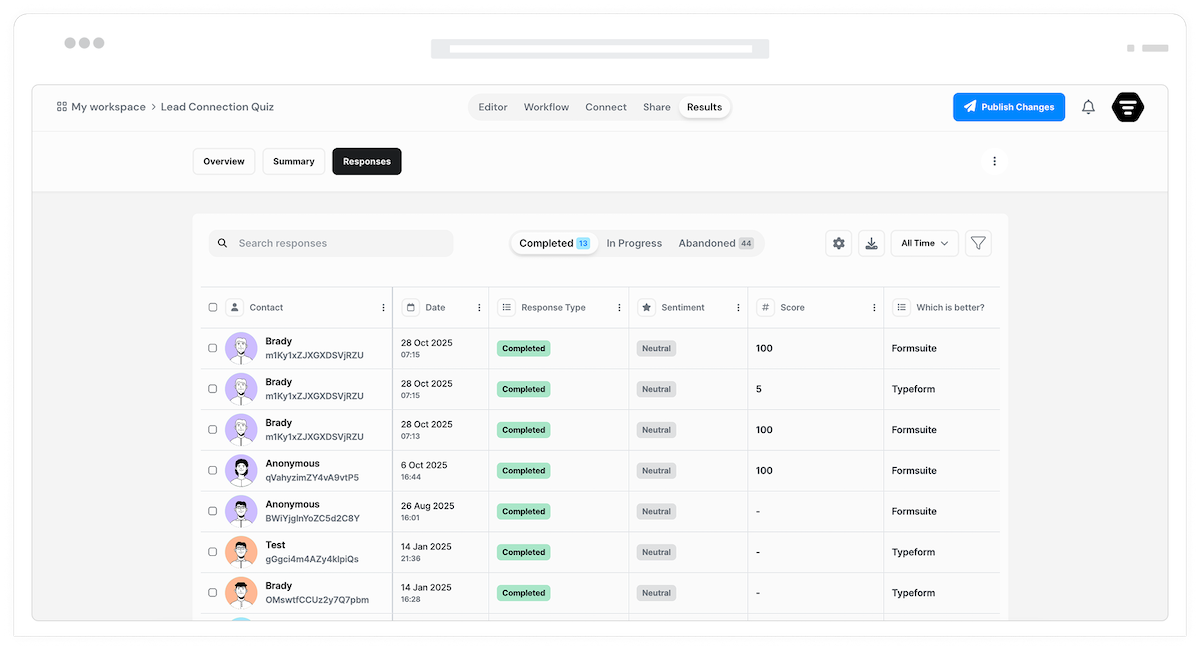
Why partial submissions matter
Not everyone who starts your form will finish. Distractions happen. Pages get closed. Users change their minds. Without partial submission capture, those interested prospects disappear forever. With it, you recover valuable leads and data that would otherwise be lost.
Rescue lost leads
Someone who filled out half your form was interested. Capture their email and partial answers so you can follow up. Many partial submitters convert when reminded or offered help.
Understand drop-off points
Analyze where users abandon your forms. Discover which questions cause friction, which steps take too long, and where the experience breaks down. Data-driven form optimization.
Save user progress
Let users save their progress and return later. Long forms become manageable when users can step away and resume where they left off. Completion rates improve dramatically.
Capture every response
From automatic background saves to manual save-and-resume, Formsuite ensures no valuable data slips away.
Automatic background saving
Responses save automatically as users type. No submit button needed. If someone closes the browser after filling half the form, you still have their answers up to that point.
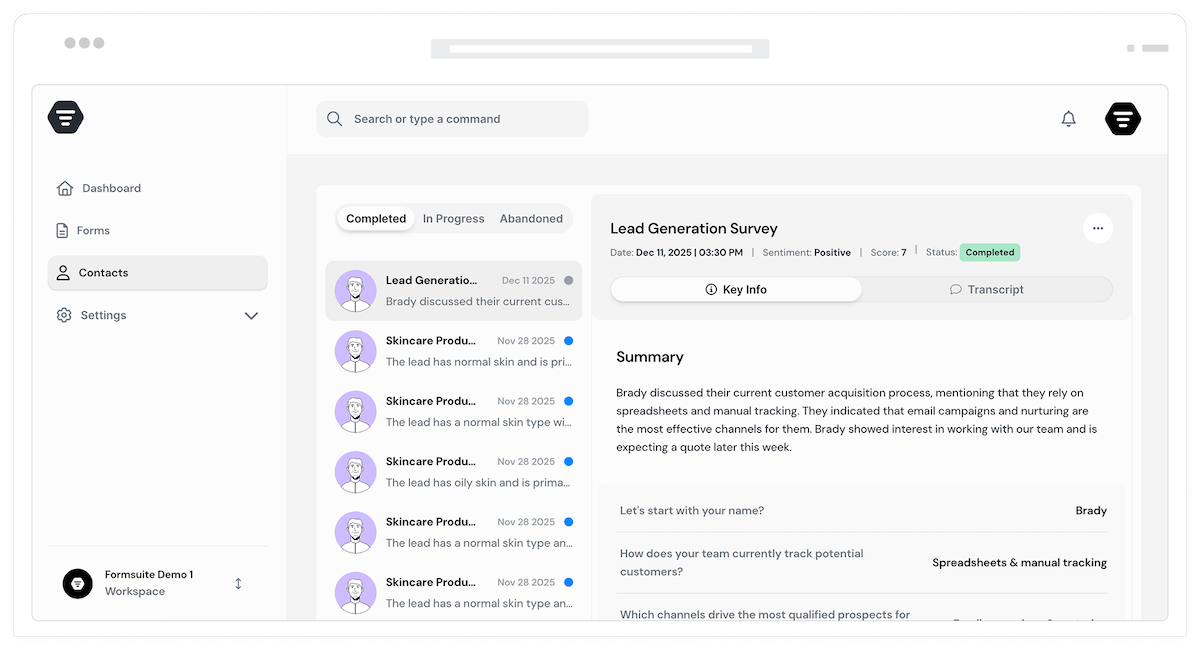
Abandonment notifications
Get notified when users abandon forms after entering key information like email. Act quickly to follow up while they are still interested. Strike while the iron is hot.
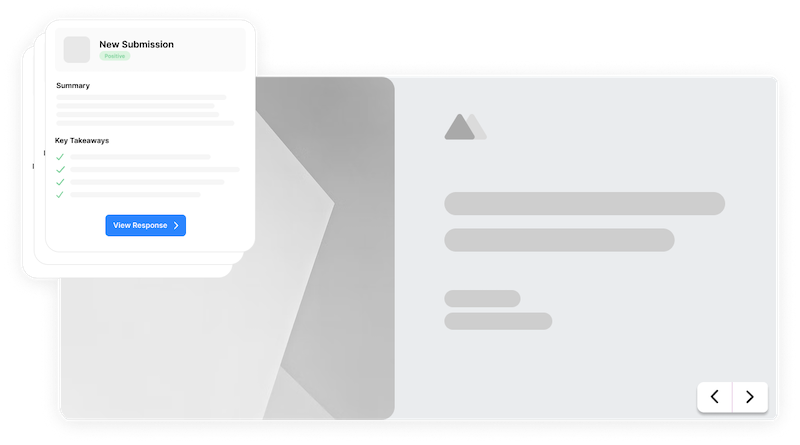
Partial response dashboard
View and manage partial submissions alongside complete ones. See exactly what each user filled out, where they stopped, and how long they engaged. Full visibility into abandoned forms.
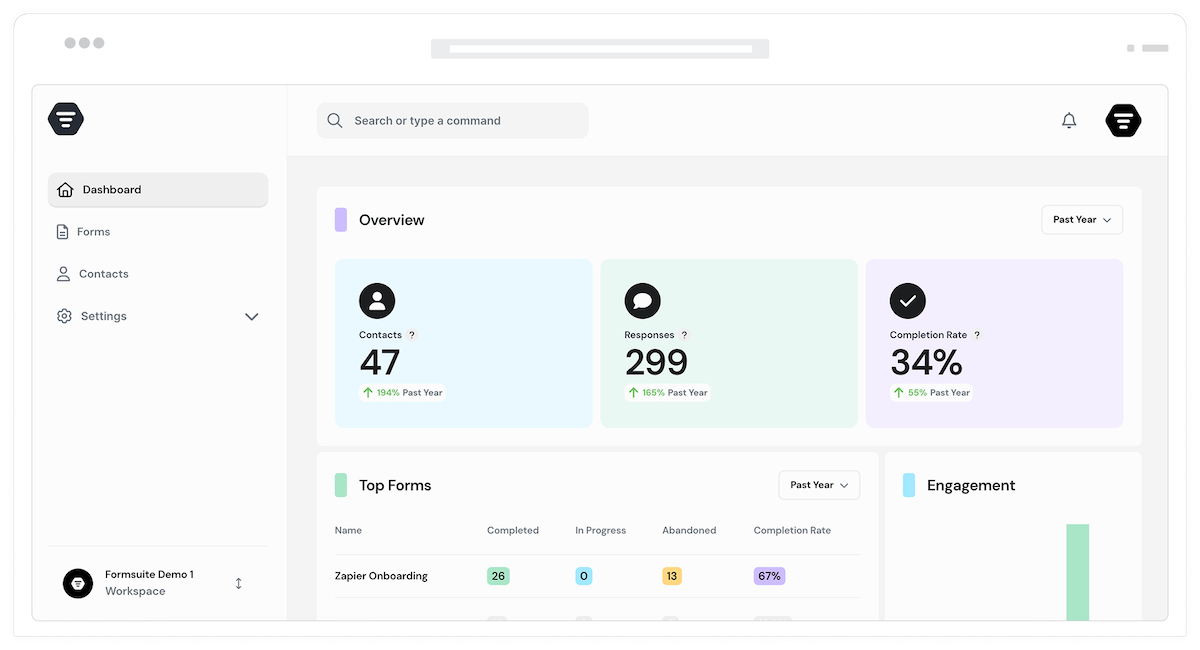
Field-level saving
Every field saves individually as users complete it. Even if they only answer two questions, you capture those two answers. No data is lost, regardless of where abandonment occurs.
Drop-off analysis
See exactly where users abandon your forms. Identify problematic questions, confusing steps, or friction points. Use data to optimize and improve completion rates.
Filter by completion status
View responses filtered by complete or partial status. Focus on follow-up for partials, or analyze only complete submissions. Manage different response types separately.
Privacy controls
Control what data is captured before completion. Comply with consent requirements by only saving after users agree to terms. Privacy-first partial capture.
Frequently Asked Questions
Everything you need to know about capturing partial form submissions. Questions about setup? We are here to help.
Still need help? Contact Us
Partial submissions are form responses from users who started but did not complete your form. Formsuite captures the data they entered before abandoning, giving you access to answers they provided even though they never clicked submit.
As users fill out your form, their answers are automatically saved in the background with each field completion. No user action is required. If they close the browser, lose connection, or navigate away, you still have everything they entered up to that point.
Partial submissions appear in your responses dashboard alongside complete submissions. You can filter to see only partials, only complete responses, or both. Each partial shows exactly which fields were answered and where the user stopped.
Yes, if users provided their email before abandoning, you can follow up. Set up automated abandonment emails to remind them to complete the form, or export partial submissions for manual outreach. Many partials convert with a gentle nudge.
You control the retention period for partial submissions. Keep them for days, weeks, or indefinitely based on your needs. Longer retention gives users more time to return, while shorter retention keeps your data clean.
Yes, partial submissions work with all types of forms. Any form type benefits from capturing data before completion. Multi-step forms show exactly which step users reached before leaving.
You can configure partial capture to respect privacy requirements. Only save data after users accept terms, exclude sensitive fields from auto-save, or disable partial capture entirely for specific forms. You control what gets captured and when.
Templates to get you started
Start from a ready-made template and customize it to fit your needs.
Lead Capture Form
Engage visitors and turn them into qualified leads with a simple, high-converting form.

Customer Effort Score (CES) Survey
Measure how easy it is for customers to interact with your product, and use those insights to reduce churn and strengthen loyalty.

Event Signup Form
Increase attendance and easily collect the key details you need from every guest.
Maximize every form interaction
Partial submissions work with other features to ensure you capture maximum value from every form visitor.