Get the right data
Stop bad data before it enters your system. Validation rules ensure every submission is complete, correctly formatted, and exactly what you need.
Why validation is essential
Bad data costs time and money. Invalid emails bounce. Incomplete submissions require follow-up. Malformed entries break integrations. Form validation catches problems at the source, ensuring every submission you receive is actionable and accurate.
Prevent bad data at entry
Catch typos, missing fields, and format errors before submission. Users fix problems immediately while context is fresh, rather than you chasing corrections later.
Guide users to success
Clear validation messages tell users exactly what went wrong and how to fix it. Good validation improves user experience rather than frustrating people with vague errors.
Protect your workflows
Clean data flows smoothly into CRMs, email systems, and integrations. No more bounced emails from typos, broken automations from missing fields, or manual data cleanup.
Rules for every data type
From simple required fields to complex pattern matching, Formsuite provides validation rules for any data quality requirement.
Required field validation
Mark essential fields as required so forms cannot submit without them. Customize error messages to explain why each field matters. Required indicators show users what they need to complete.
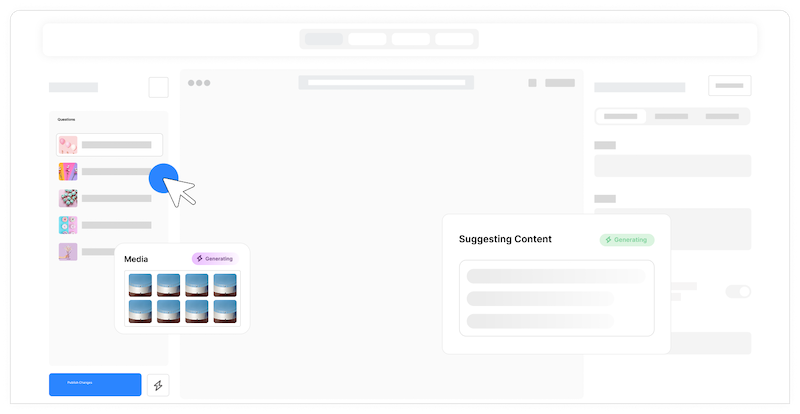
Format validation
Built-in validation for common formats: email addresses, phone numbers, URLs, dates, and numbers. Users get instant feedback when their input does not match the expected format.
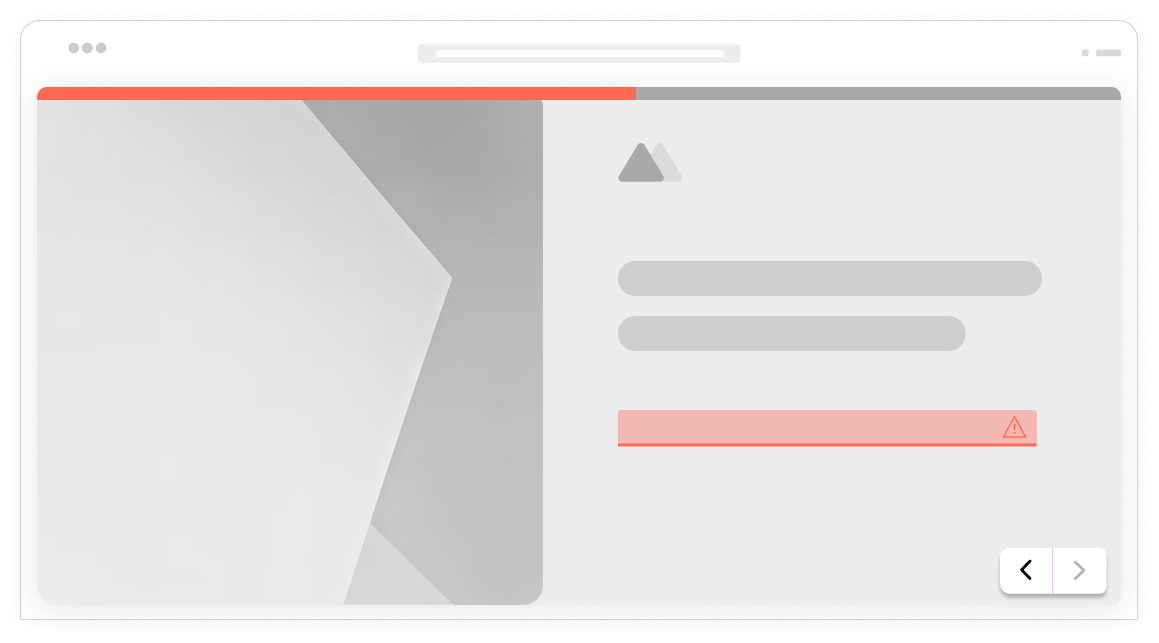
Instant validation feedback
Validation runs as users type or when they leave a field. Errors appear immediately, not after clicking submit. Users can fix issues in context without losing their flow.
Email validation
Validate email format and optionally check for common typos like gmial.com. Ensure deliverable email addresses before they enter your database and trigger bounces.
Numeric validation
Ensure numeric inputs fall within acceptable ranges. Set minimum and maximum values, require whole numbers or allow decimals, and validate number formats.
Conditional validation
Apply validation rules conditionally based on other responses. A field might be required only if another field has a certain value. Smart validation for complex forms.
Frequently Asked Questions
Everything you need to know about validating form inputs and ensuring data quality. Need help with custom rules? We are here.
Still need help? Contact Us
Formsuite supports required field validation, format validation for emails, URLs, and phone numbers, numeric range validation, text length limits, date range validation, regular expression pattern matching, and conditional validation rules. You can combine multiple validation rules on a single field for comprehensive data quality control.
Validation can run at multiple points: as users type (real-time validation), when users leave a field (on blur), or when they try to submit the form. Real-time validation provides immediate feedback, while submit-time validation catches any remaining issues. You control the validation timing per field.
Email fields have built-in format validation that checks for valid email structure.
Yes, validation rules can apply conditionally based on other form responses. A field might be required only when a checkbox is selected, or format validation might change based on a country selection. Conditional validation creates smart, adaptive forms.
On multi-step forms, validation runs when users try to advance to the next step. Users cannot proceed until the current step passes validation. This ensures each section is complete before moving on, catching errors early rather than at final submission.
Yes, all validation features work on mobile devices. Error messages display clearly on small screens. Numeric fields can trigger numeric keyboards, email fields trigger email keyboards. The mobile experience is optimized for touch interaction and smaller displays.
Templates to get you started
Start from a ready-made template and customize it to fit your needs.

Lead Capture Form
Engage visitors and turn them into qualified leads with a simple, high-converting form.

KYC Form
Verify client information accurately and meet compliance standards while minimizing onboarding risk.

Event Signup Form
Increase attendance and easily collect the key details you need from every guest.
Build bulletproof forms
Form validation works with other Formsuite features to create reliable, high-quality data collection.