Client intake forms that prepare you
Collect complete client information before the first meeting. Professional intake forms for legal, healthcare, consulting, and service businesses.
Why client intake forms matter
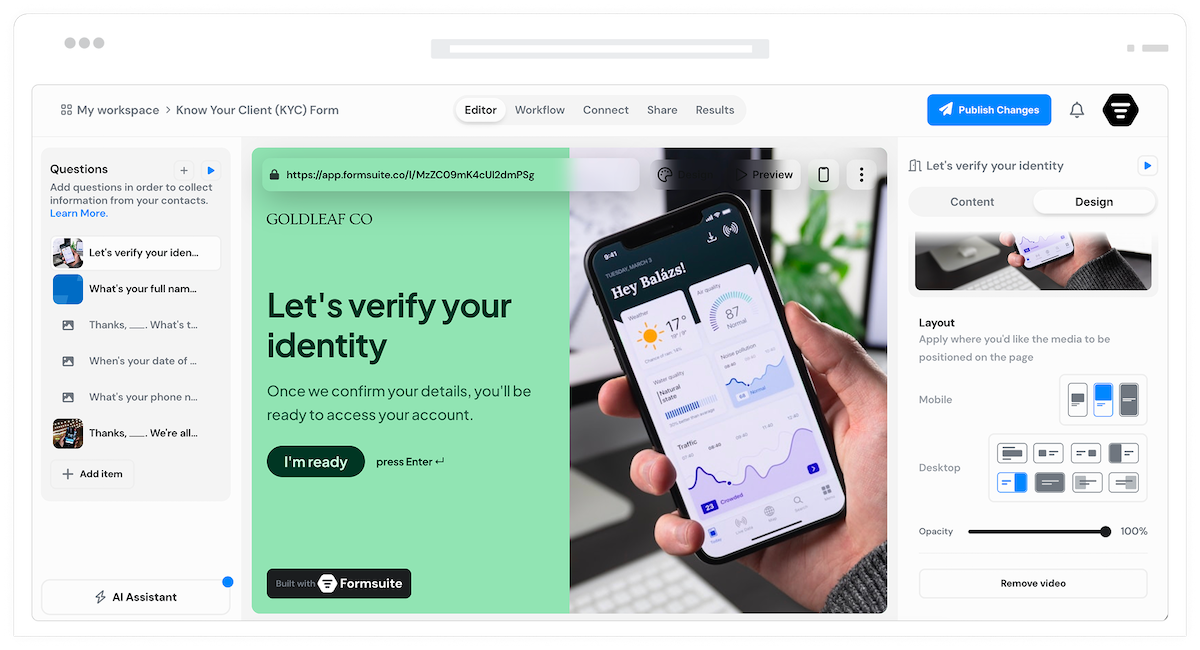
First impressions matter. Professional intake forms gather essential information upfront, making clients feel organized and cared for. You arrive at every meeting prepared with complete context, ready to focus on solutions rather than basic questions.
Start prepared
Collect background, history, and requirements before the first conversation. Understand the situation so initial meetings focus on strategy and solutions, not information gathering.
Professional experience
Branded intake forms signal professionalism. Clients appreciate organized processes. A smooth intake experience builds confidence in your services from the start.
Complete records
Standardized intake ensures consistent information collection. Every client file starts complete. Required fields prevent missing details that cause problems later.
Intake forms for every practice
From legal consultations to healthcare appointments, build intake experiences tailored to your industry.
Legal client intake
Collect case details, relevant dates, opposing party information, and document uploads. Conflict check questions and engagement terms integrated into the intake flow.

Healthcare patient intake
Medical history, current medications, symptoms, and insurance information. Conditional questions adapt to patient responses. Prepare for appointments with complete background.
Consulting client intake
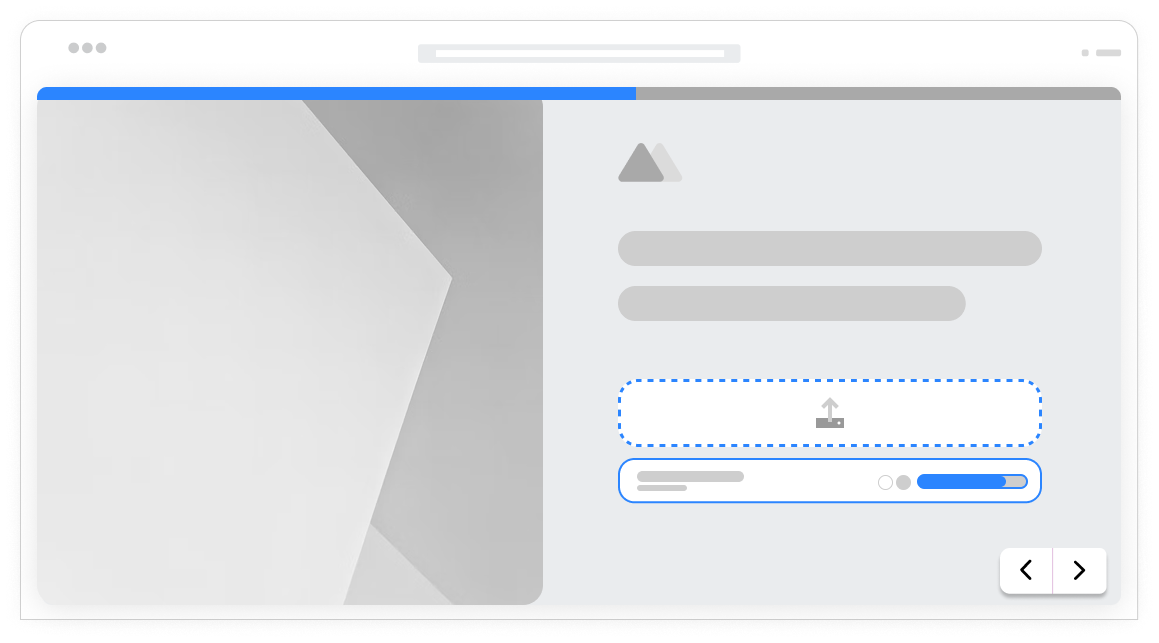
Business background, goals, challenges, and project scope. Understand what clients need before discovery calls. Arrive with relevant questions and initial ideas.
Service business intake
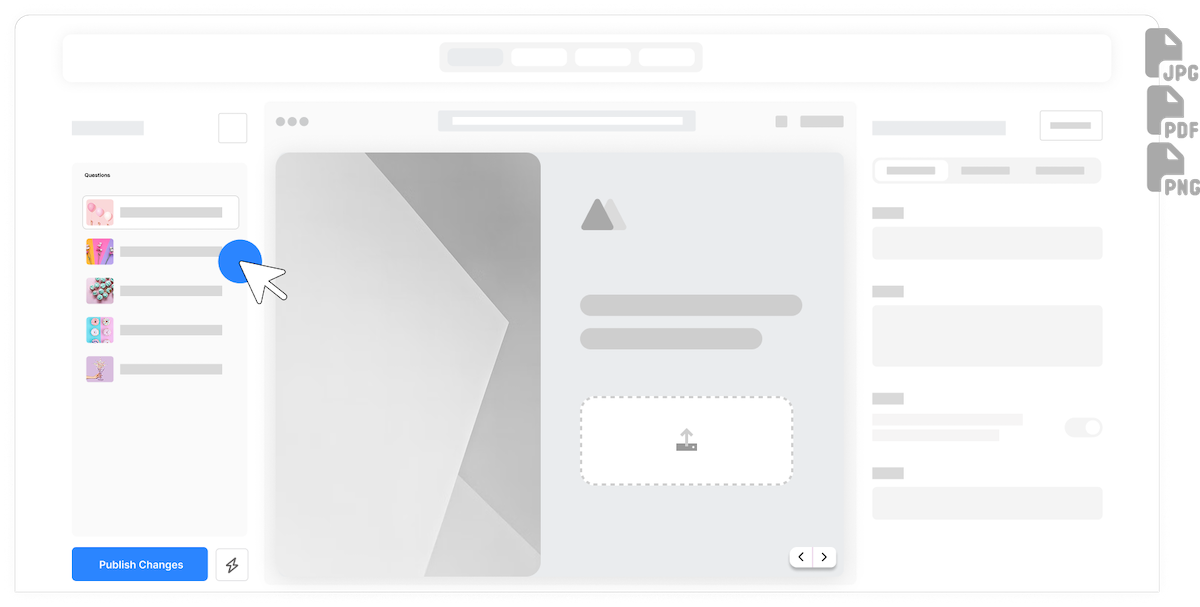
Project requirements, preferences, timeline, and budget. Contractors, agencies, and freelancers collect everything needed to scope work and prepare accurate proposals.

Organized sections
Break intake into logical sections: contact information, background, specific details, and documents. Clients complete one section at a time without feeling overwhelmed.
Document collection
Accept contracts, records, images, and supporting files. Clients upload relevant documents during intake. Everything attached to the client record from the start.
Adaptive questions
Different services trigger different questions. Previous answers determine follow-ups. Clients only answer relevant questions, keeping intake efficient and focused.
Professional branding
Match intake forms to your brand with custom colors, logos, and styling. Clients experience consistent branding from first contact through service delivery.
Intake alerts
Email notifications when clients complete intake. Review submissions before meetings. Route to appropriate team members based on service type or case category.
System integration
Connect to practice management, CRM, or project tools via Zapier. Automatically create client records, cases, or projects from intake submissions.
Frequently Asked Questions
Everything you need to know about building client intake forms. More questions? We are here to help.
Still need help? Contact Us
Start with contact details, then gather information specific to your service: case details for legal, medical history for healthcare, project requirements for consulting. Include document uploads for supporting materials.
Yes, use conditional logic to show different questions based on service type or case category. One intake form adapts to multiple scenarios, or create separate forms for distinct service lines.
Yes, file upload fields accept contracts, records, images, and any supporting documents. Multiple file types supported. Documents attach directly to the intake submission for easy access.
Add your logo, use brand colors, and customize fonts. Multi-step layouts with clear sections create an organized experience. Professional design builds client confidence from first interaction.
Yes, mark any field as required. Clients cannot submit until required fields are complete. Validation ensures you receive complete information for every intake.
Email notifications alert you when clients complete intake. View submissions in the response dashboard. Export to spreadsheets or connect to practice management systems via Zapier.
Yes, send intake forms before video consultations. Clients complete forms at their convenience. You review submissions before the call, arriving prepared with complete context.
Yes, partial submissions allow clients to save progress and return to finish. Especially useful for detailed intake forms that require gathering information or documents.
Templates to get you started
Start from a ready-made template and customize it to fit your needs.

Lead Capture Form
Engage visitors and turn them into qualified leads with a simple, high-converting form.

Lead Qualification Form
Capture new leads and quickly determine whether they're the right fit for your product or service.

Demo Feedback Form
Gather clear, honest input from users after a demo so you can improve the experience and better showcase your product.
Build complete client onboarding
Client intake forms work best with these complementary features.