Application forms built for success
Collect applications for jobs, programs, grants, and memberships. Gather documents, qualifications, and detailed information from every applicant.
Why application forms matter
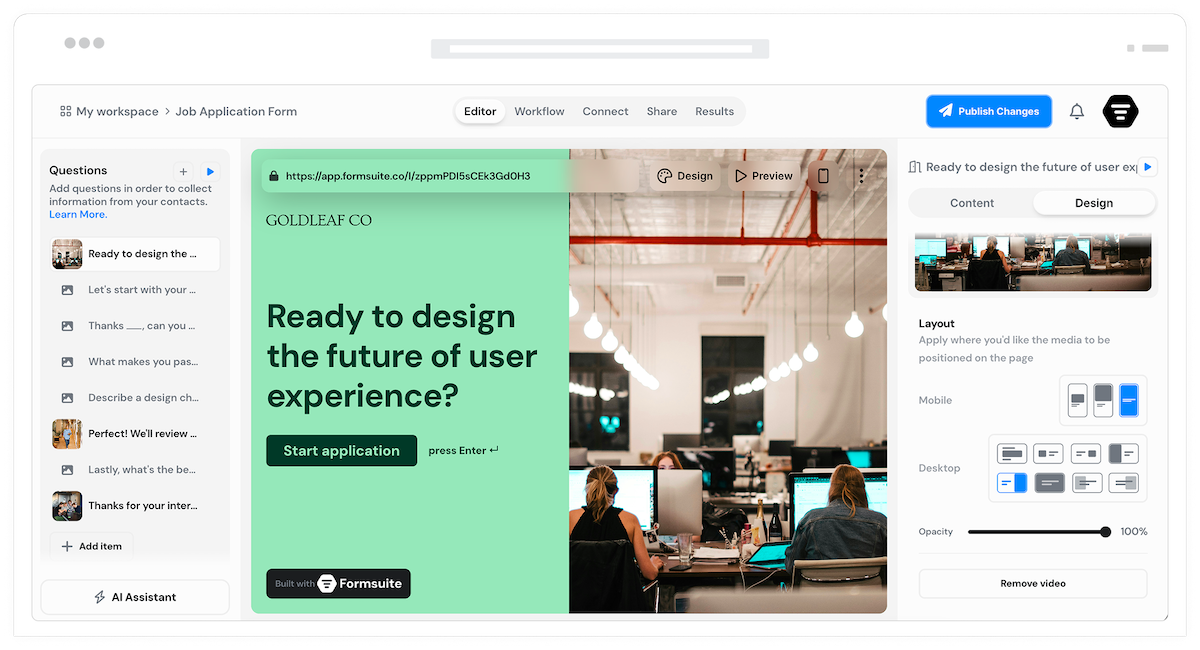
Applications require more than basic contact forms. You need structured data collection, document uploads, and logical question flows. Formsuite application forms gather complete, organized submissions that make evaluation straightforward.
Structured information collection
Guide applicants through sections: personal details, qualifications, experience, and supporting materials. Every application arrives complete and consistently formatted.
Document and file collection
Accept resumes, portfolios, transcripts, certificates, and any supporting documents. File uploads integrate seamlessly into the application flow.
Fair and consistent process
Every applicant answers the same questions in the same order. Standardized applications enable fair comparison and efficient review.
Forms for every application scenario
From job applications to grant proposals, build the application experience your organization needs.
Job application forms
Collect contact information, work history, education, skills, and resume uploads. Screening questions help identify qualified candidates before review.
Program applications
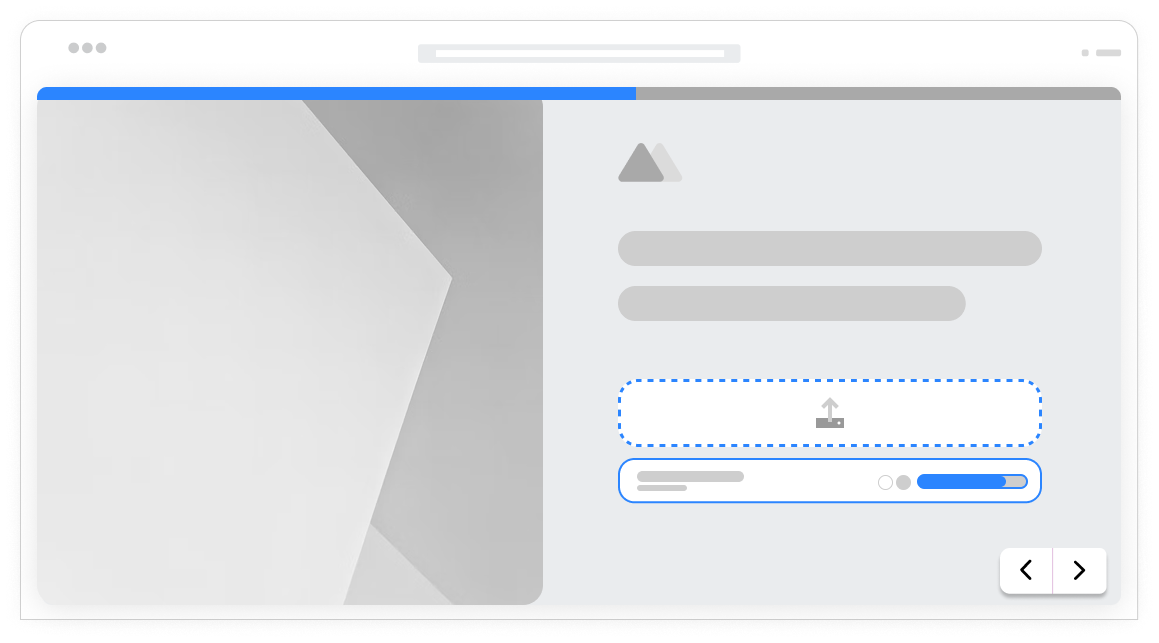
Enrollment and admission forms for courses, workshops, camps, and educational programs. Collect prerequisites, preferences, and emergency contacts.
Grant and scholarship applications
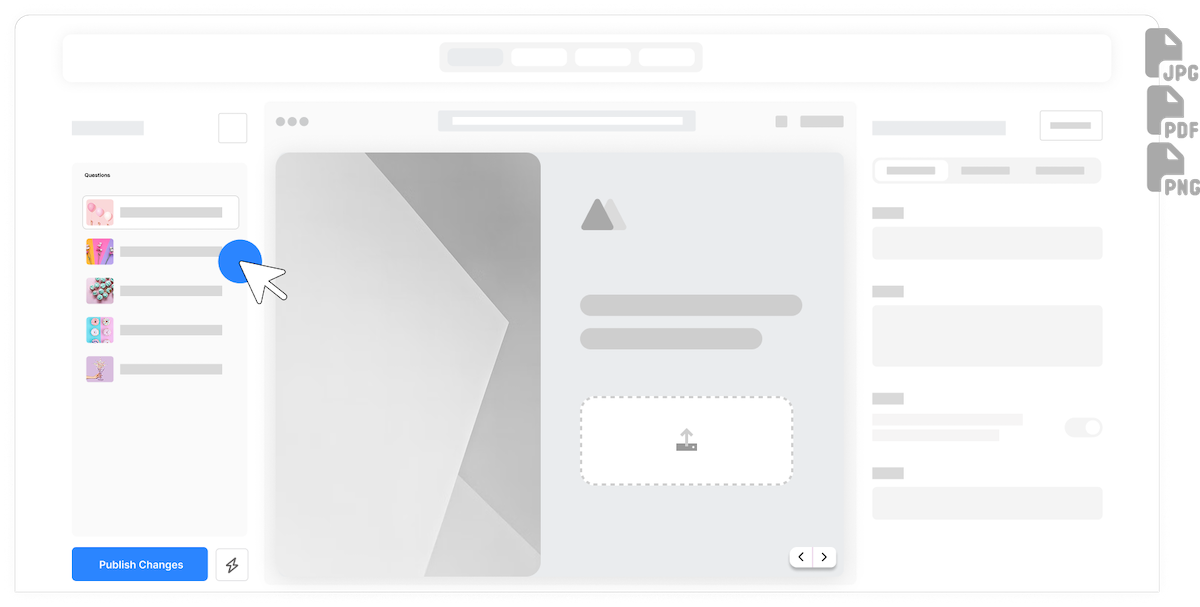
Detailed applications with project descriptions, budgets, timelines, and supporting documentation. Multi-step forms guide applicants through complex requirements.
Membership applications
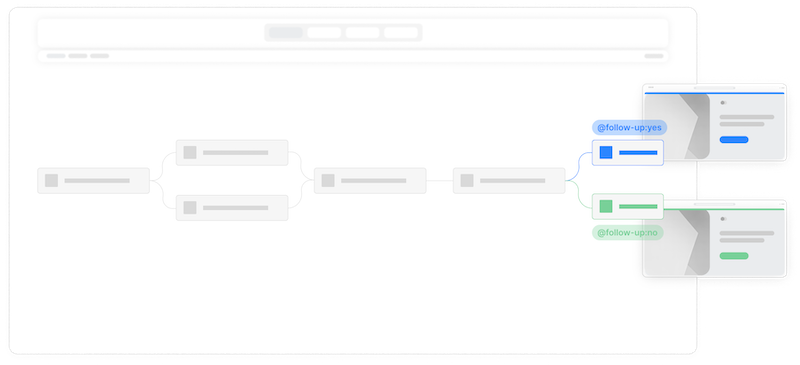
Collect member information, qualifications, references, and agreement to terms. Membership categories can trigger different questions and requirements.
Organized sections
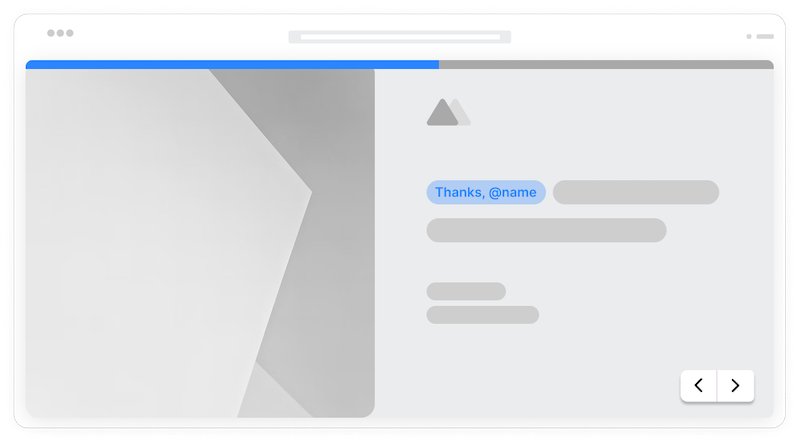
Break long applications into logical sections. Applicants focus on one part at a time. Progress indicators show how much remains. Less overwhelming, higher completion.
Document collection
Accept resumes, cover letters, portfolios, transcripts, and certificates. Multiple file types supported. Documents attach directly to applications.
Dynamic questions
Show relevant questions based on previous answers. Different job roles ask different skill questions. Experience levels trigger appropriate follow-ups.
Required fields
Ensure complete applications with required field validation. No missing information or incomplete submissions. Every application ready for review.
Application receipt
Automatic email alerts when applications submit. Your team knows instantly when new applications arrive. AI summaries help you quickly review each submission.
Easy review
Export applications to spreadsheets for review and comparison. All responses organized and sortable. Attached files downloadable for detailed evaluation.
Frequently Asked Questions
Everything you need to know about building application forms. More questions? We are here to help.
Still need help? Contact Us
Build job application forms, program enrollment forms, grant applications, scholarship applications, membership applications, volunteer applications, vendor applications, and any form that collects detailed submissions for review.
Yes, file upload fields accept resumes, cover letters, portfolios, transcripts, certificates, and any supporting documents. Multiple files can be uploaded and are attached to the application submission.
Yes, multi-step forms divide applications into logical sections like personal information, qualifications, experience, and supporting materials. Progress bars show applicants where they are in the process.
Yes, conditional logic shows relevant questions based on the role, program, or category selected. Engineering applicants see technical questions while design applicants see portfolio questions.
Configure email notifications to send confirmation to applicants upon submission. Customize the message with next steps, timeline expectations, and contact information for questions.
Yes, mark any field as required. Applications cannot be submitted until all required fields are completed. Validation messages guide applicants to complete missing information.
View applications in the response dashboard or export to spreadsheets. All responses are organized consistently for easy comparison. Attached files can be downloaded for detailed review.
Yes, partial submissions allow applicants to save progress and return to complete their application later. Especially useful for lengthy applications that require gathering information.
Templates to get you started
Start from a ready-made template and customize it to fit your needs.
Lead Capture Form
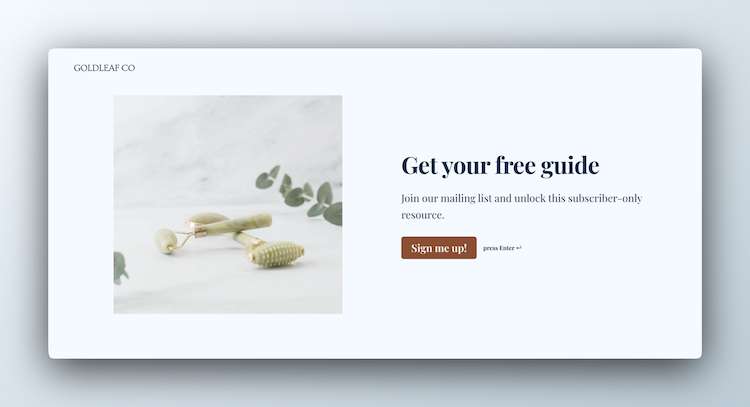
Engage visitors and turn them into qualified leads with a simple, high-converting form.

Lead Qualification Form
Capture new leads and quickly determine whether they're the right fit for your product or service.

Event Signup Form
Increase attendance and easily collect the key details you need from every guest.
Build complete application experiences
Application forms work best with these complementary features.