Construction forms that keep projects moving
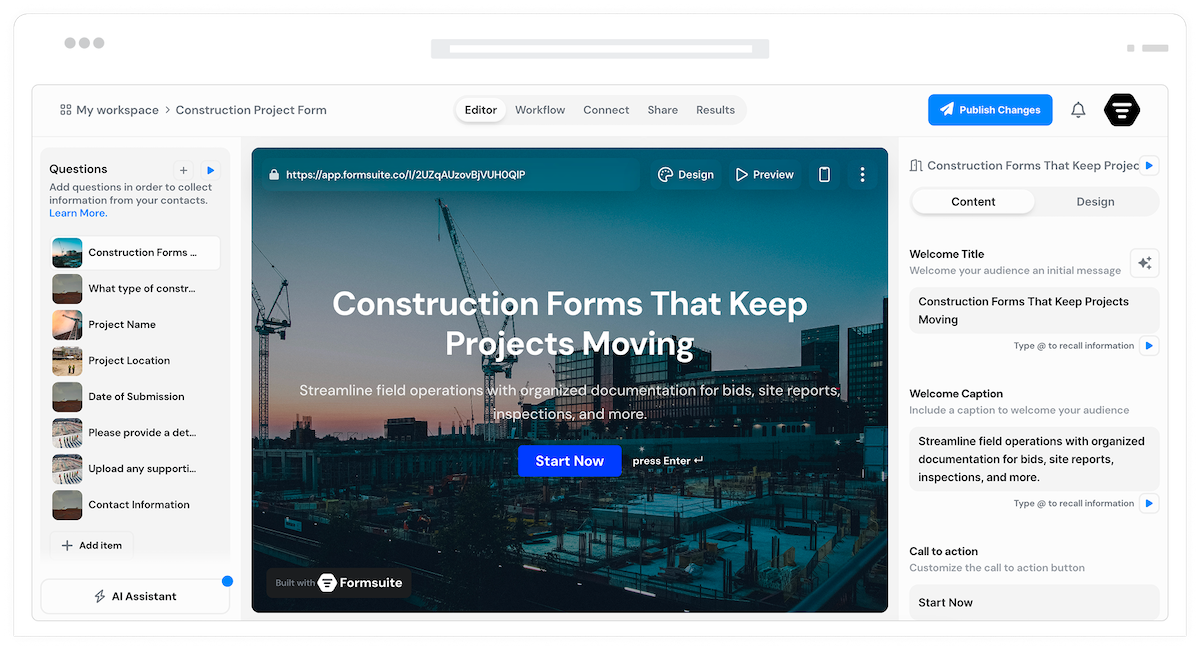
Project bids, site reports, safety inspections, and subcontractor requests. Forms that streamline field operations and keep documentation organized.
Why construction forms matter
Construction projects generate mountains of documentation. Digital forms capture site data, track progress, document safety compliance, and manage subcontractors. Replace paper forms, reduce errors, and access project information from anywhere.
Field-ready forms
Mobile-friendly forms work on job sites. Crews submit reports, photos, and updates from tablets or phones. Real-time data from the field to the office.
Safety documentation
Daily safety checklists, incident reports, and toolbox talks. Document compliance and protect your team. Organized safety records for inspections.
Project tracking
Daily logs, progress reports, and punch lists. Track work completed, materials used, and issues encountered. Complete project documentation.
Forms for every construction need
From bid requests to project closeout, capture the documentation that keeps construction projects on track.
Project bid request forms
Collect bid requests with project scope, timeline, specifications, and requirements. Qualify opportunities and gather information needed for accurate estimates.
Daily site report forms
Capture work completed, crew hours, equipment used, weather conditions, and issues. Complete daily logs from the field. Project history documented.
Safety inspection forms
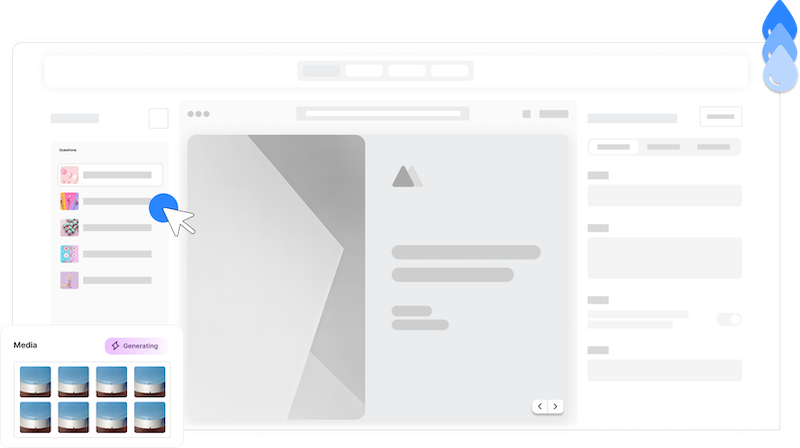
Daily safety checklists, hazard reports, and incident documentation. Ensure compliance and protect your crew. Organized safety records.
Subcontractor request forms
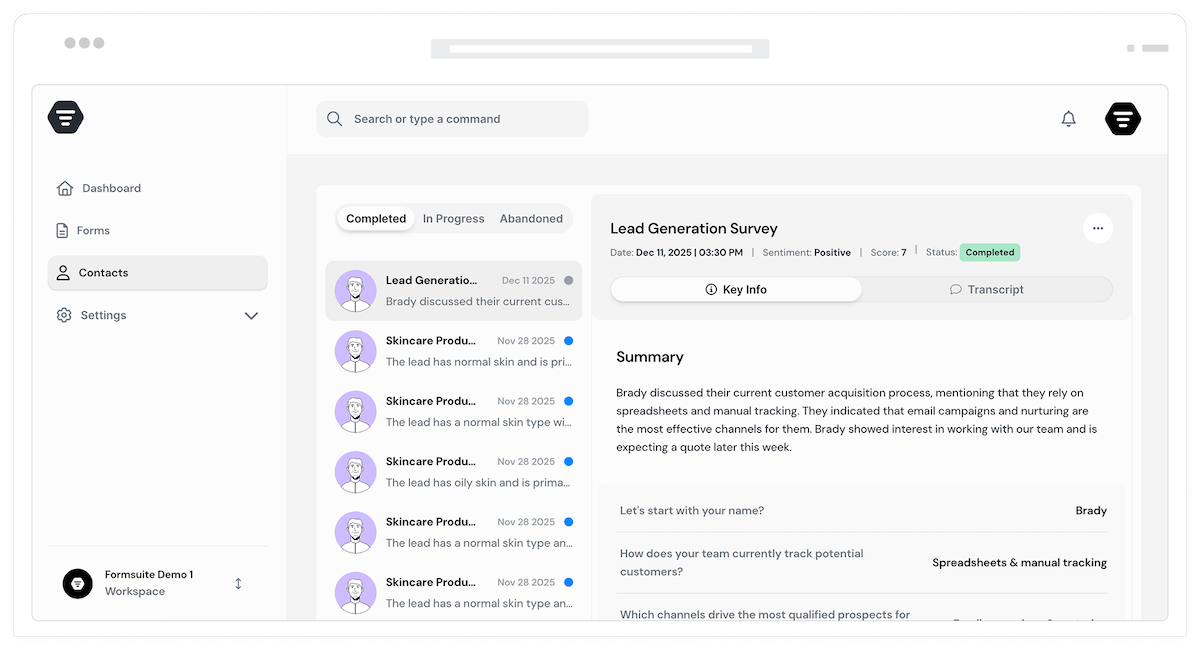
Collect subcontractor applications with qualifications, insurance, licensing, and references. Qualify subs before bringing them on projects.
Mobile-friendly
Forms that work on job sites. Submit reports from phones and tablets. Capture data where the work happens, not back at the office.
Photo documentation
File uploads for site photos, progress images, and issue documentation. Visual records attached to reports. Complete project documentation.
Inspection checklists
Pre-built checklists for safety, quality, and compliance. Ensure nothing gets missed. Consistent inspections across all projects.
Digital signatures
Collect signatures for approvals, acknowledgments, and sign-offs. Timestamped signatures for compliance. No more chasing paper forms.
Instant notifications
Email alerts when forms are submitted. Project managers notified of issues immediately. Quick response to field reports.
Project management
Connect to Procore, Buildertrend, or any project management system via Zapier. Form data flows into existing workflows.
Frequently Asked Questions
Everything you need to know about building construction forms. More questions? We are here to help.
Still need help? Contact Us
Build project bid forms, daily site reports, safety inspections, punch lists, change orders, subcontractor applications, equipment logs, material requests, and any form your construction operations need.
Yes, forms are fully mobile-responsive. Crews can complete reports on phones or tablets from anywhere on the job site. Data syncs when connected.
Yes, file upload fields accept photos directly from device cameras. Document progress, issues, and site conditions with visual evidence attached to reports.
Create checkbox-based inspection forms for daily safety checks. Crews complete checklists on site. Issues flagged for immediate attention. Complete compliance documentation.
Yes, signature fields capture timestamped signatures for approvals, acknowledgments, and compliance documentation. No more chasing paper forms.
Build subcontractor request forms that collect licensing, insurance, qualifications, and references. Review applications before bringing subs onto projects.
Yes, integrate via Zapier with Procore, Buildertrend, CoConstruct, or any project management system. Form submissions flow into existing workflows.
Configure email notifications for instant alerts when forms are submitted. Set up conditional notifications to alert specific people based on form content or severity.
Templates to get you started
Start from a ready-made template and customize it to fit your needs.

Lead Capture Form
Engage visitors and turn them into qualified leads with a simple, high-converting form.

Lead Qualification Form
Capture new leads and quickly determine whether they're the right fit for your product or service.

Demo Feedback Form
Gather clear, honest input from users after a demo so you can improve the experience and better showcase your product.
Build complete construction systems
Construction forms work best with these complementary features.