Legal forms that prepare your practice
Client intake, case information, consultation requests, and conflict checks. Forms that streamline legal client onboarding and case preparation.

Why legal forms matter
Legal matters require complete, accurate information from the start. Professional intake forms capture case details, client information, and relevant documents before the first meeting. Arrive at every consultation prepared to provide valuable counsel.
Complete case information
Comprehensive intake captures parties, dates, facts, and relevant history. Understand the matter before meeting. First consultations that demonstrate expertise.
Conflict checks
Capture all relevant parties and entities upfront. Run conflict checks before engagement. Protect your firm and comply with ethical obligations.
Organized client files
Digital intake creates organized, searchable records. Documents and information in one place. Files ready for case management from day one.
Forms for every legal practice need
From initial inquiry to ongoing representation, capture the information that serves your clients and protects your practice.
Client intake forms
Comprehensive client information with contact details, case type, and relevant parties. Conflict check data collected upfront. Professional onboarding experience.

Case information forms
Matter-specific details: facts, dates, parties, previous counsel, and desired outcomes. Detailed case context before the first meeting.
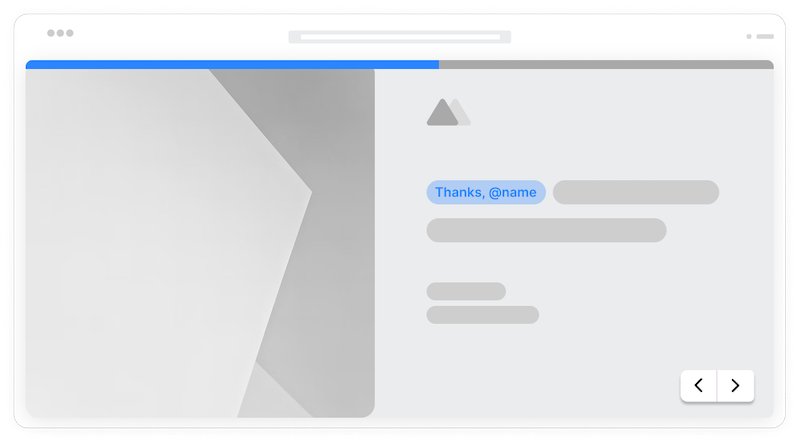
Consultation request forms
Capture prospect inquiries with matter type, urgency, and availability. Qualify leads and schedule consultations efficiently.
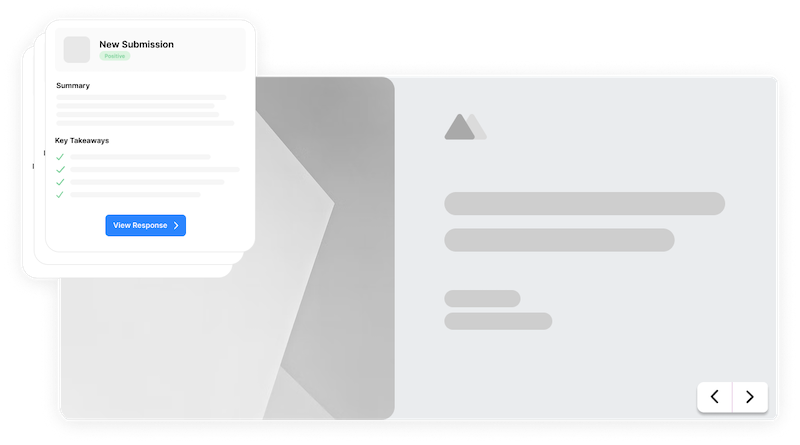
Document request forms
Collect documents, evidence, and supporting materials. Secure file uploads organized by category. Complete case files faster.
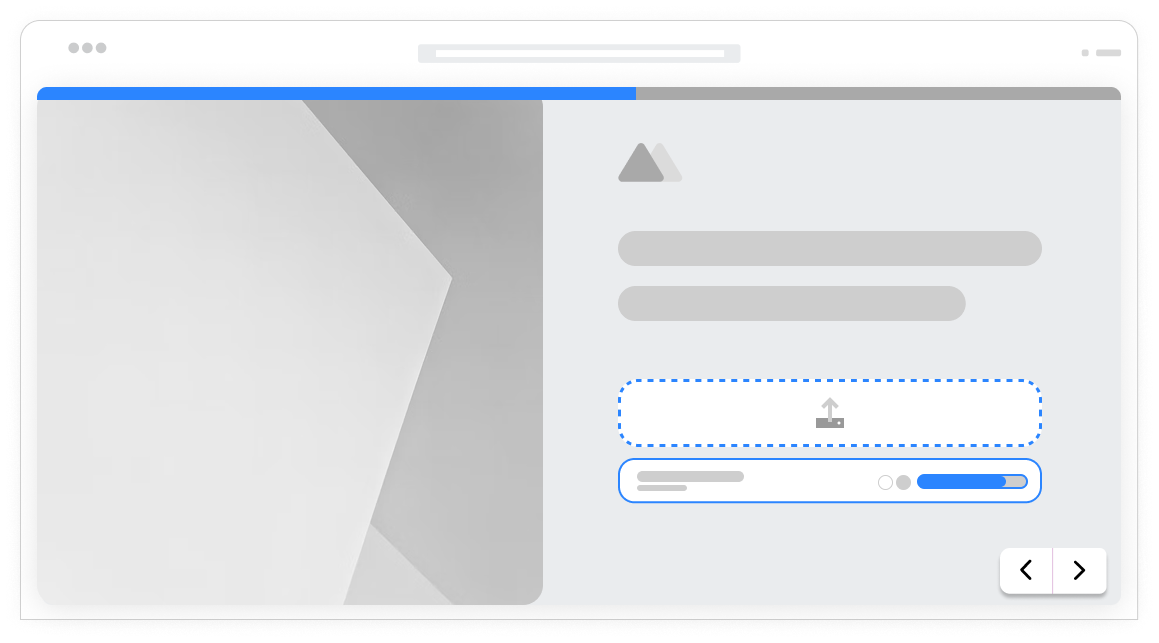
Practice area specific
Different practice areas show relevant questions. Family law asks about custody. Personal injury asks about incidents. Each matter type gets appropriate fields.
Conflict data
Capture all parties, entities, and relationships for conflict checks. Complete information before engagement decisions. Ethical compliance built in.
Document collection
Clients upload contracts, correspondence, evidence, and relevant documents. Secure file handling. Complete case files from the start.
Firm branding
Custom logos, colors, and styling. Forms that match your firm's professional identity. Client confidence from first interaction.
Secure submission
Encrypted transmission protects sensitive client information. Clients trust that their legal matters remain confidential.
Practice management
Connect to Clio, MyCase, or any practice management system via Zapier. Create matters and contacts automatically. Streamlined workflows.
Frequently Asked Questions
Everything you need to know about building legal forms. More questions? We are here to help.
Still need help? Contact Us
Build client intake forms, case information questionnaires, consultation requests, conflict check forms, document request forms, retainer agreements, and any form your legal practice needs.
Add fields for all parties, entities, and relationships involved in the matter. Capture full names, relationships, and any relevant affiliations. Complete data for thorough conflict checks.
Yes, file upload fields accept contracts, correspondence, evidence, and any relevant documents. Secure uploads attached to the client submission. Organized document collection.
Use conditional logic to show relevant questions based on matter type. Family law, personal injury, and business matters each get appropriate fields. One intake form adapts to all practice areas.
Forms transmit over encrypted connections. Data is stored securely. Clients can trust that their legal matters remain confidential during intake.
Yes, add your firm logo, use brand colors, and customize styling. Professional appearance that reinforces your firm's expertise and builds client confidence.
Integrate via Zapier with Clio, MyCase, PracticePanther, or any practice management system. Create matters and contacts automatically from form submissions.
Yes, signature fields capture electronic signatures with timestamps. Use for retainer agreements, engagement letters, and any documentation requiring client sign-off.
Templates to get you started
Start from a ready-made template and customize it to fit your needs.

Lead Capture Form
Engage visitors and turn them into qualified leads with a simple, high-converting form.

Lead Qualification Form
Capture new leads and quickly determine whether they're the right fit for your product or service.

Demo Feedback Form
Gather clear, honest input from users after a demo so you can improve the experience and better showcase your product.
Build complete legal practice systems
Legal forms work best with these complementary features.